
Windows time tracking software that keeps you focused on real work
Toggl helps teams stay aligned, cut busywork, and get clear on where time really goes.
You'll need a Toggl account to get started. Sign up here for free.







NEW WEBSITE
12 of 20h
The smarter way to become productive
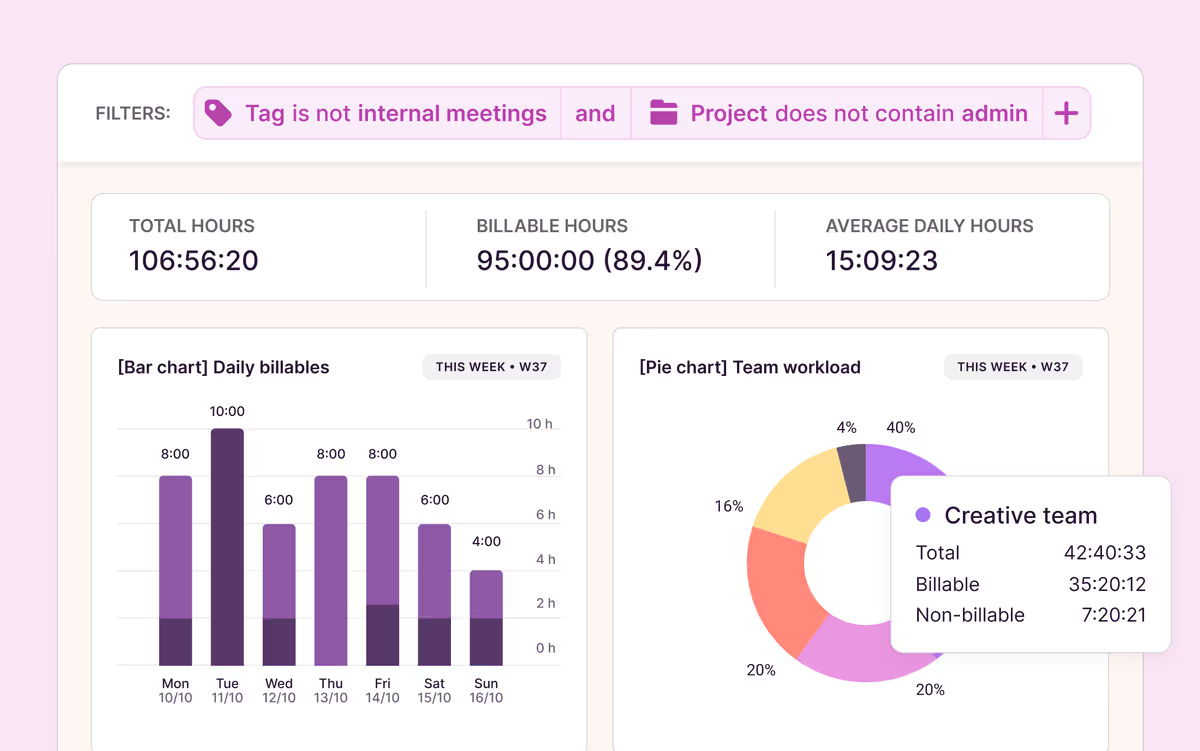
Our time tracking software gives you insight into project timelines, resource planning, profitability, and team workload — all in one sleek interface.

Simple, one-click time tracking tool
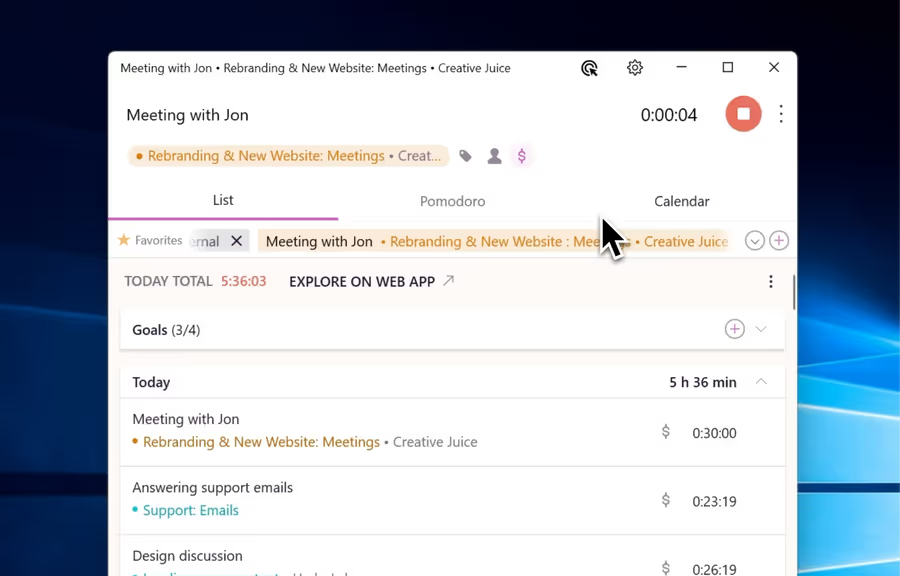
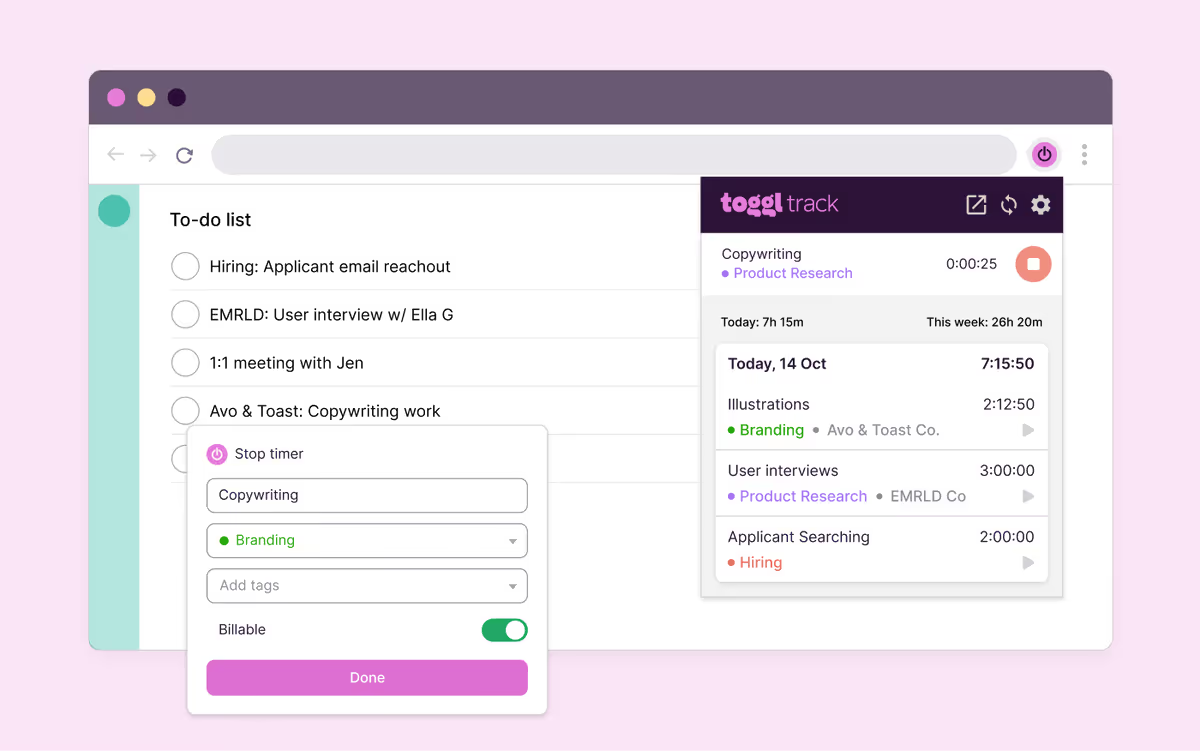
Hit start and track work hours without disrupting your flow. Use quick keyboard shortcuts to add entries, edit, and auto-sync offline time to account for all billable hours.

Done-for-you time management
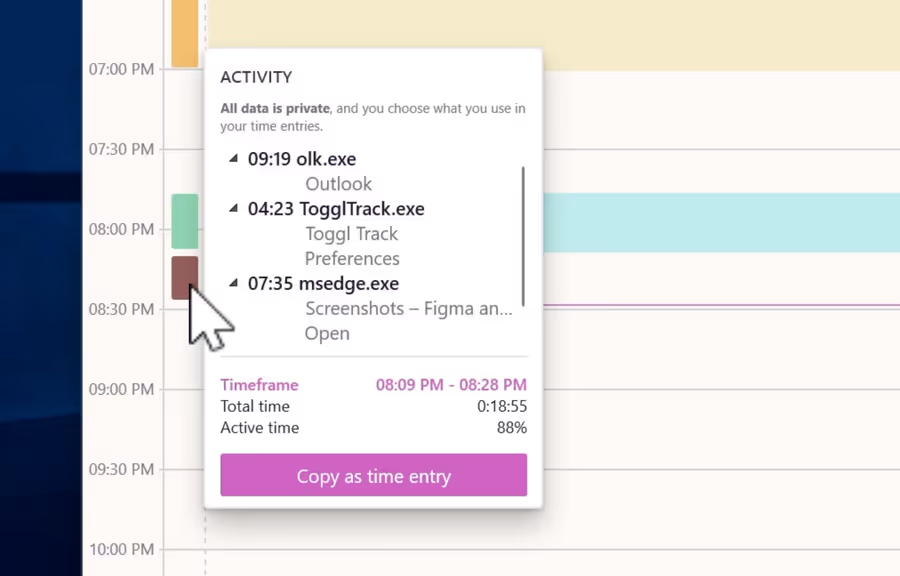
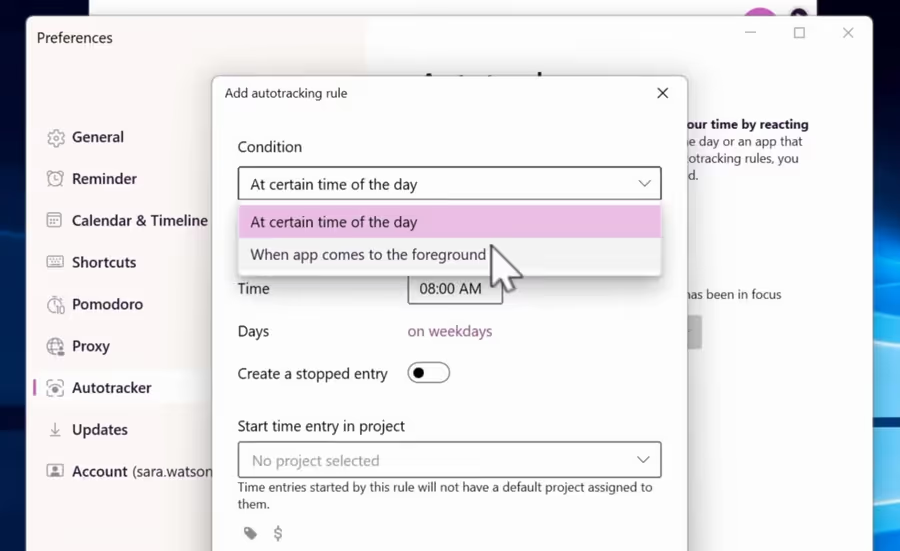
Enjoy one-click and automated time tracking. Set custom rules to log time based on apps or keywords. Convert Outlook or Google Calendar events into new entries automatically, or with just one tap.

Calendar integrations
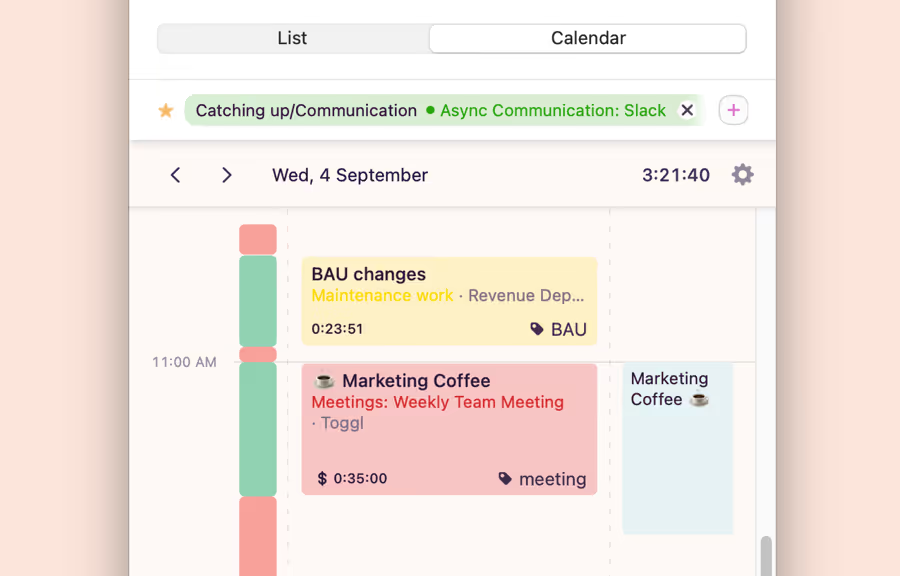
Integrate your Apple, Google, or Microsoft calendars and turn events into entries instantly, and let automation handle the admin.

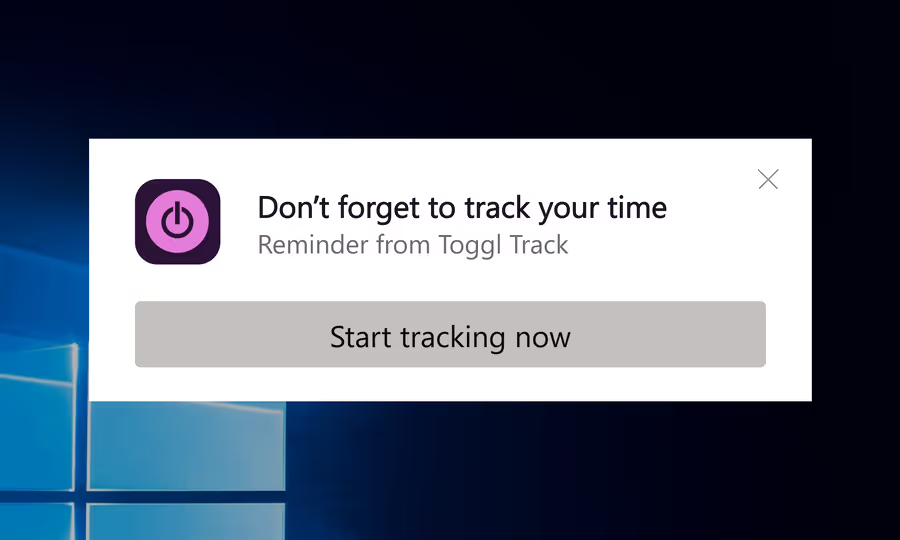
Timely notifications
Never forget to clock in or out and save valuable hours on correcting timesheets. Smart reminders catch forgotten timers and keep you on track.

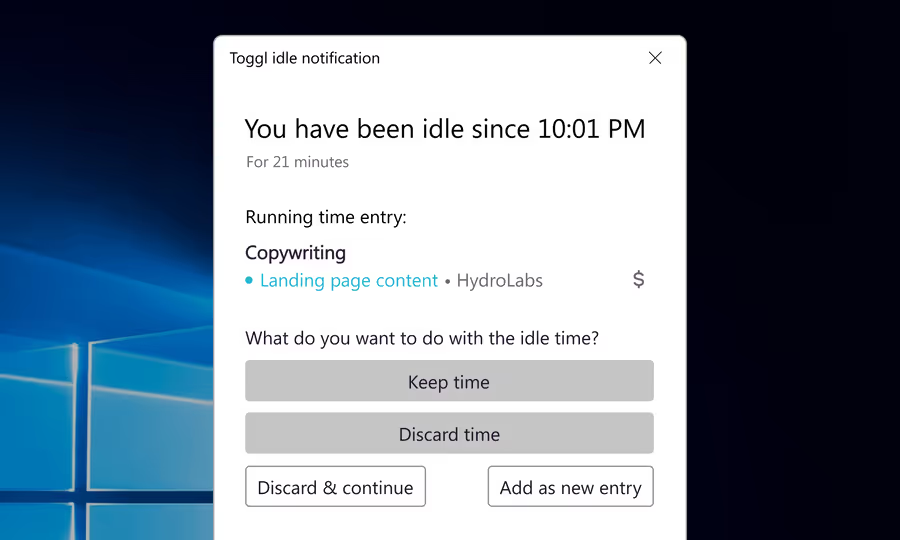
Idle time detection
The desktop app knows when you're away from the computer. Choose what to do with the time you get back.

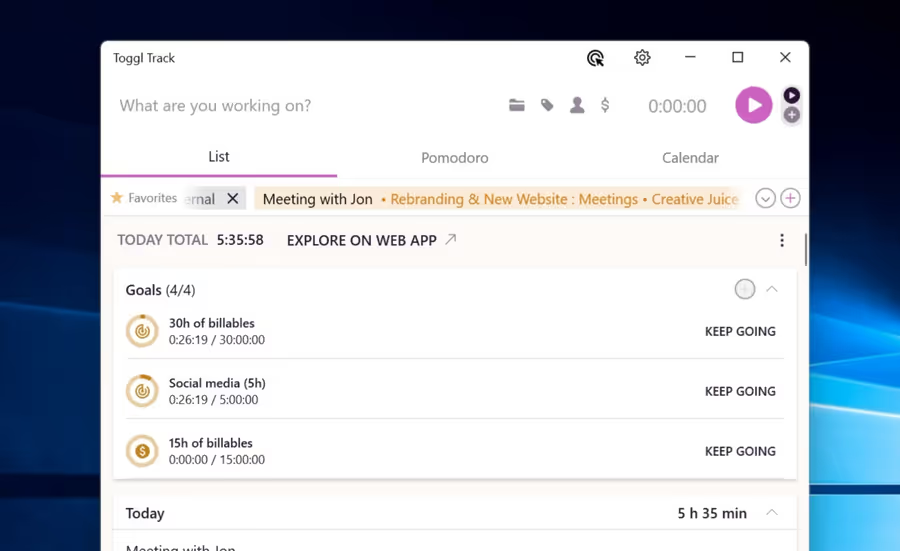
Time tracking goals
Set daily and weekly time tracking targets. Minimize overwork, protect your focus, and ensure your time goes where it matters most.

Autotracker
Trigger time entry suggestions based on the software or webpage you're currently using. You can choose how much time should be spent there before tracking begins.

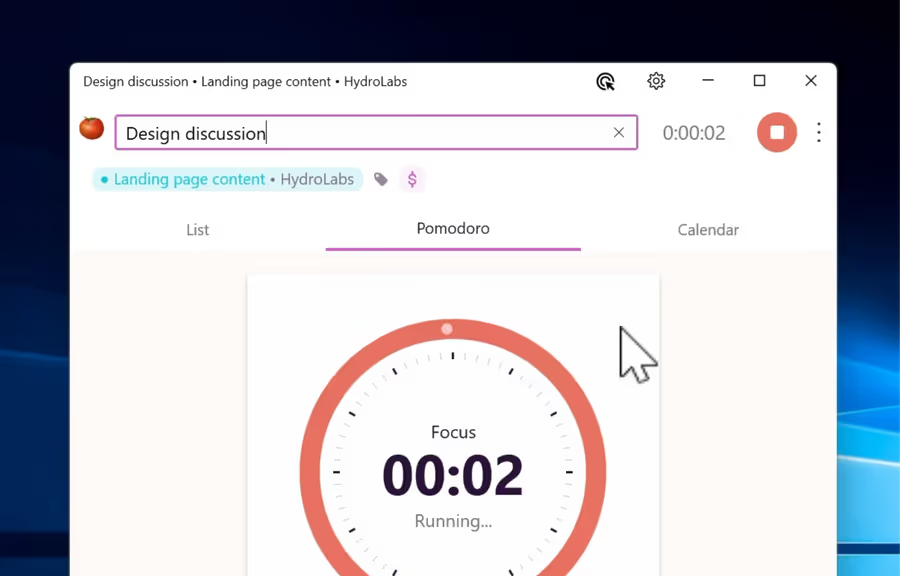
Pomodoro timer
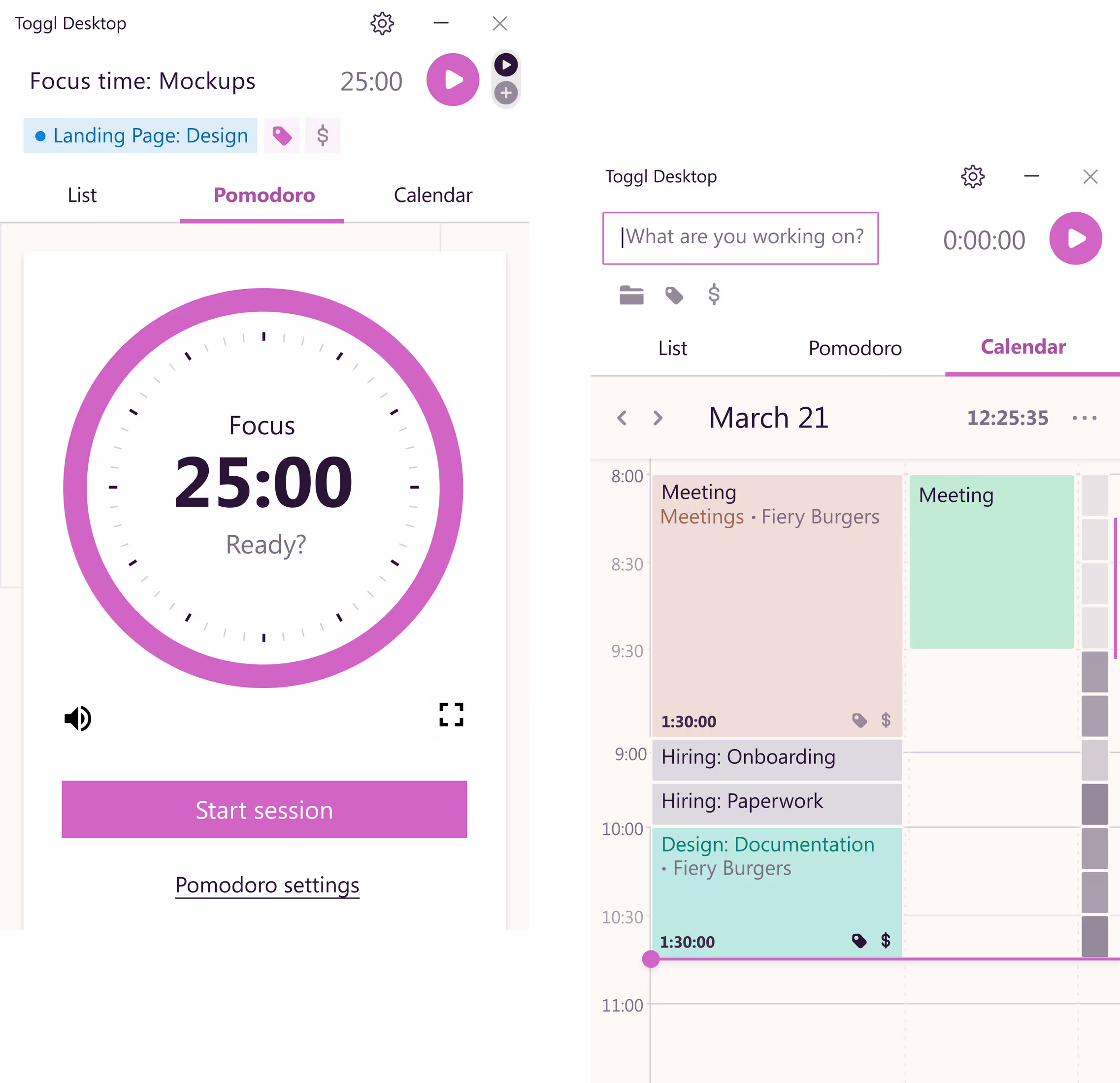
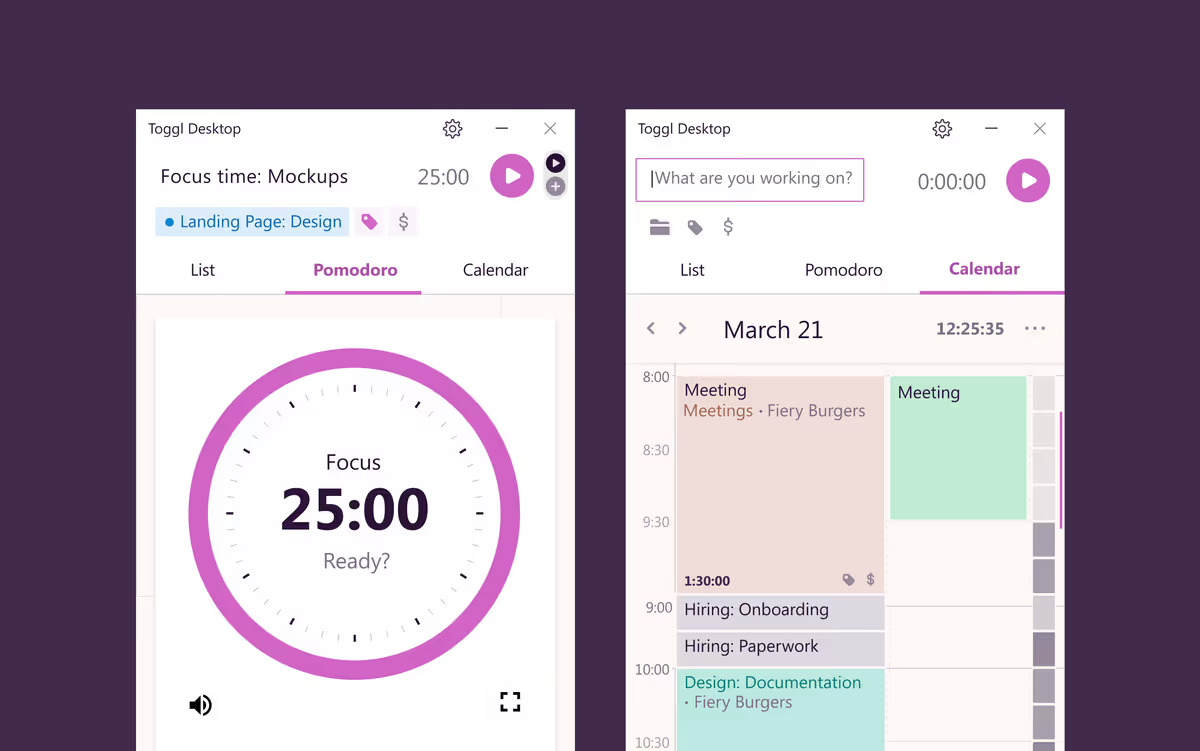
Schedule deep work sprints with a built-in Pomodoro timer. Choose the length of your work sessions and breaks.

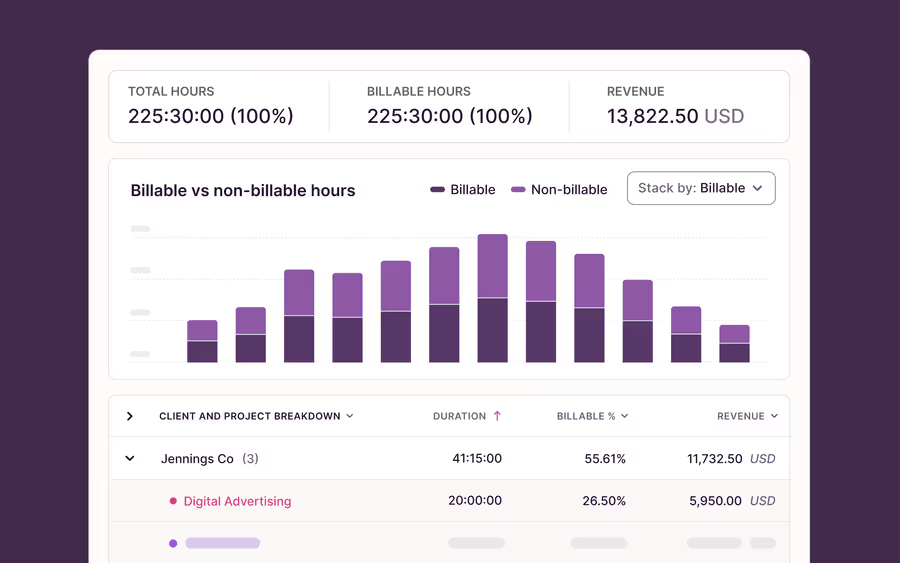
Detailed reports
Stop asking how much time will go into project Y or task Z. Forecast project timelines, track utilization and profitability in real time with detailed reports, available on our web app.
Our Windows time tracking app takes less than 2 minutes to set up
Compatible with Microsoft Windows 10 or higher. You'll need an account to get started.
How to start tracking time with Toggl's app for Windows
Need additional info? Explore our Knowledge Base for tutorials and FAQs covering our Windows time tracking app.
Step 1
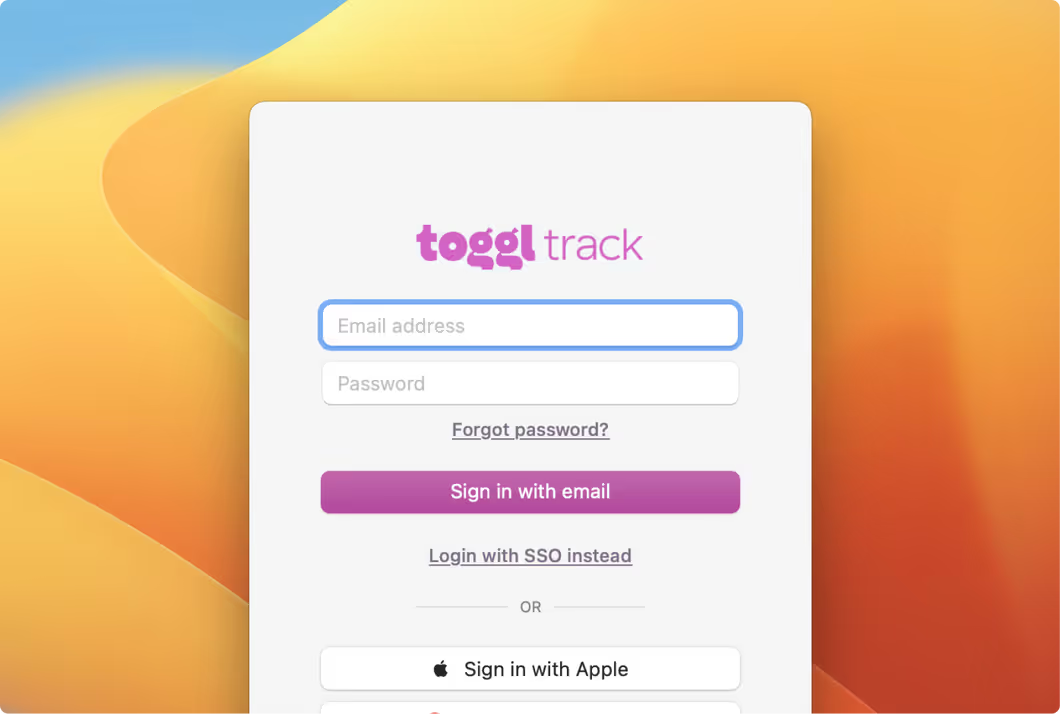
Sign up for a free Toggl account. Open the Toggl Windows timer and follow the quick onboarding flow. Most new users say it feels intuitive within minutes.
Step 2
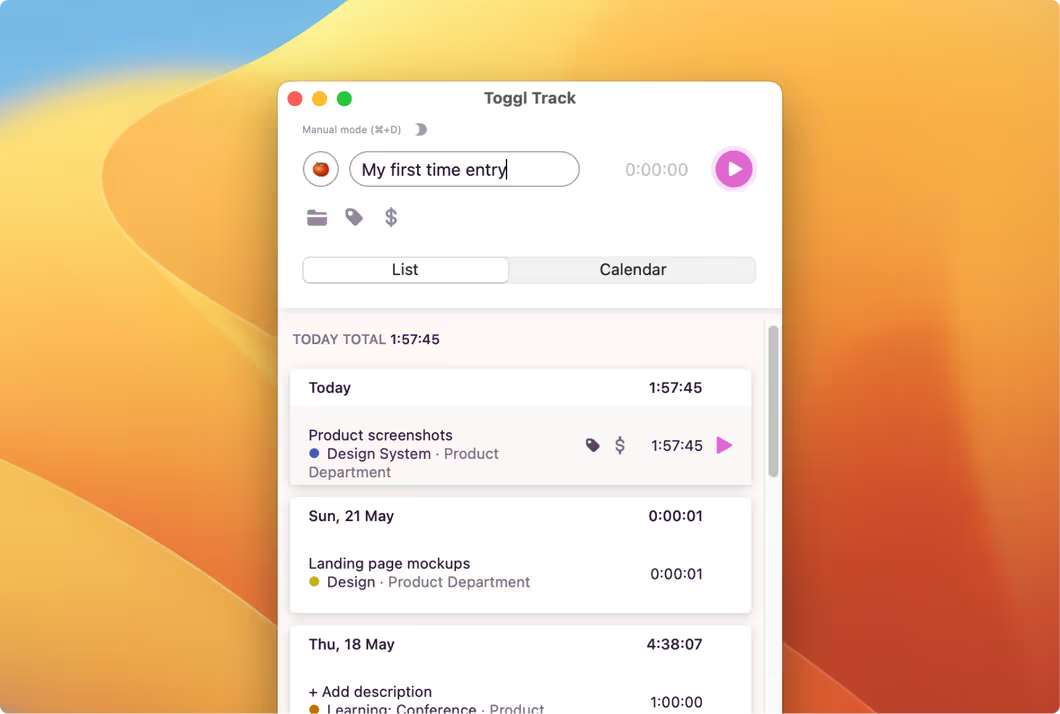
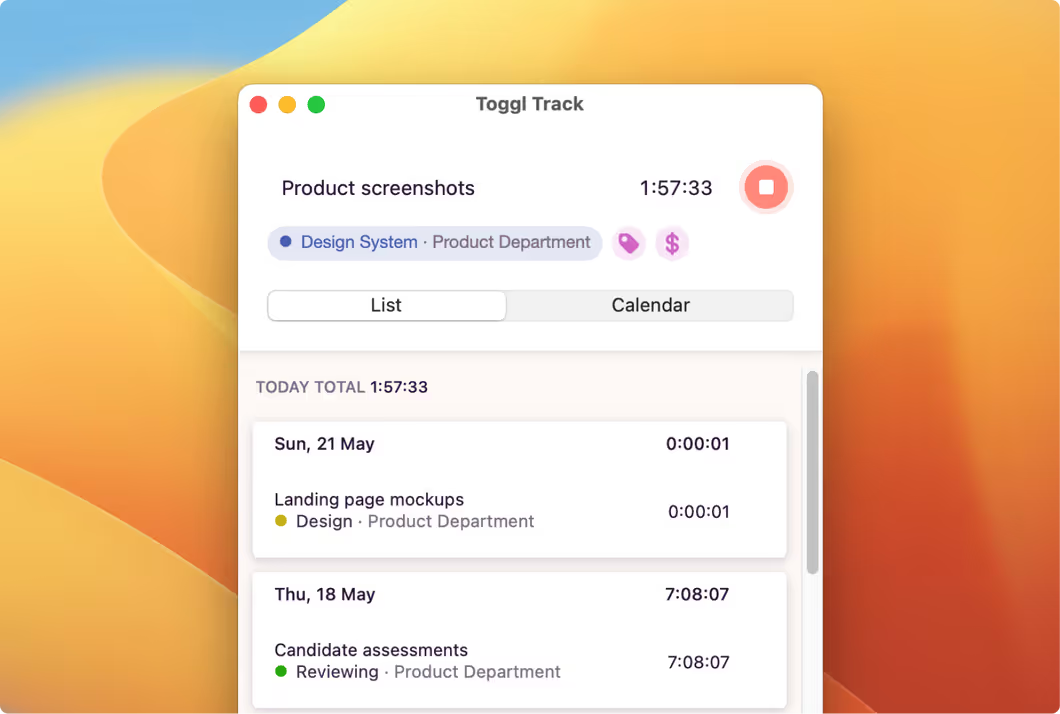
Create your first time entry — just name the task you’re working on. You can also enable automatic time tracking to capture activity in the background. Edit or delete entries anytime.
Step 3
Group your time logs under projects, clients, or add tags. Projects keep related tasks organized, while tags are useful for filtering time entries or grouping similar entries across multiple projects.
Step 4
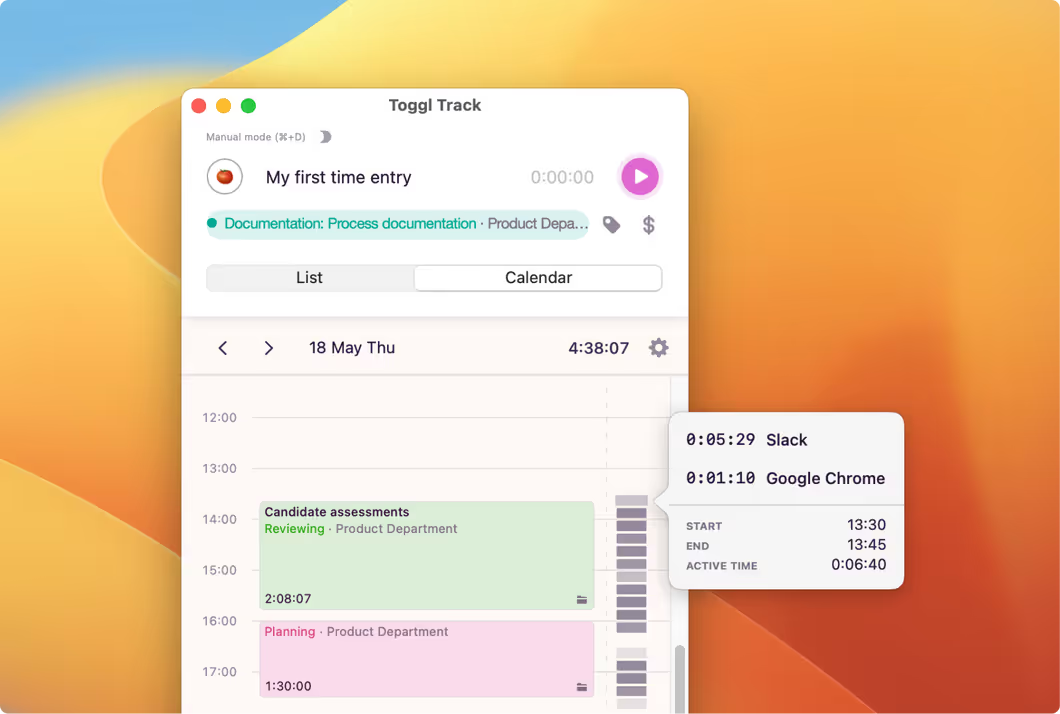
Switch to Calendar View for a visual breakdown of your day. Use calendar integrations with Apple, Google, or Microsoft to convert events into time entries with one click.
.avif)
One time tracking tool for every platform
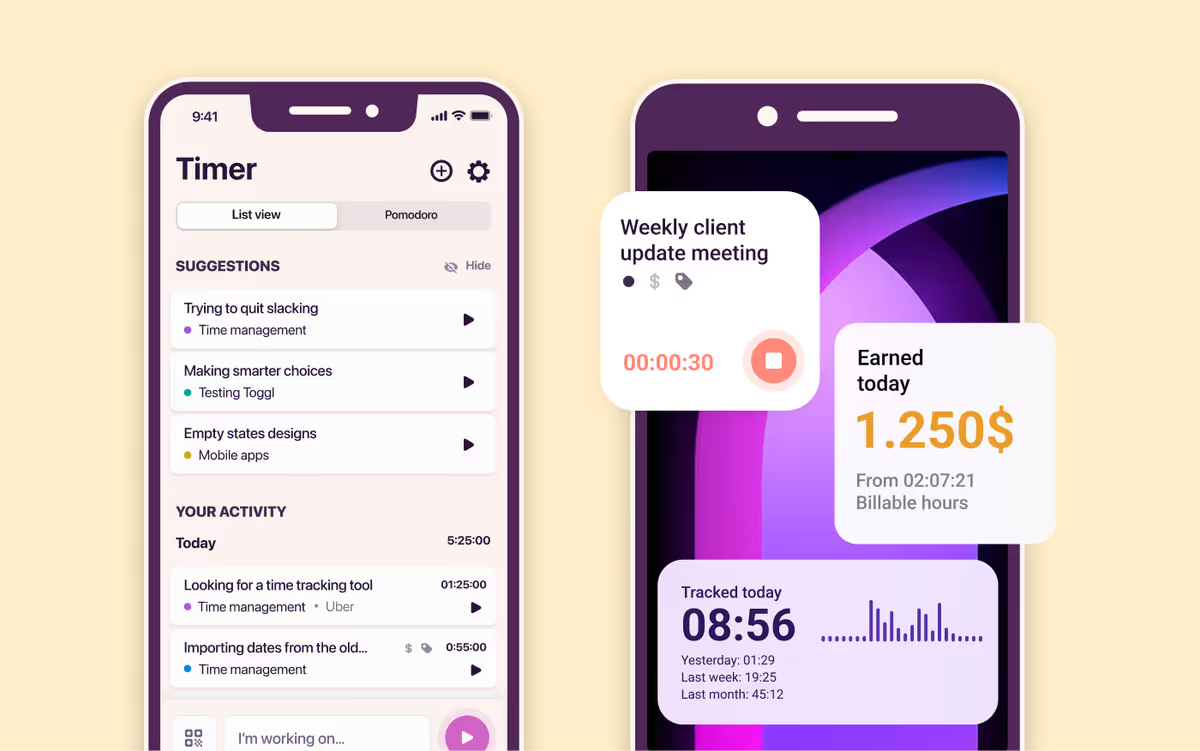
Start a timer on desktop, log hours on an iPhone, or track inside your project management tool. No internet connection? No problem. Toggl keeps everything synced automatically.
“I am absolutely a fan of Toggl. Easy-to-use navigation and an intuitive interface make managing my time usage a breeze, while extensive data for reporting allow me to keep track of everything the team is doing. It works seamlessly on both desktop and mobile apps, making it extremely convenient wherever I am.”
Today, 14 Apr
7:15:50
Illustrations
2:12:50
5 billable hours every day
3/5 hours
REACHED
Code every day
5/5 hours
NEW WEBSITE
12 of 20h
PM Daily
0:00:25


