








Seamless client billing with streamlined time tracking

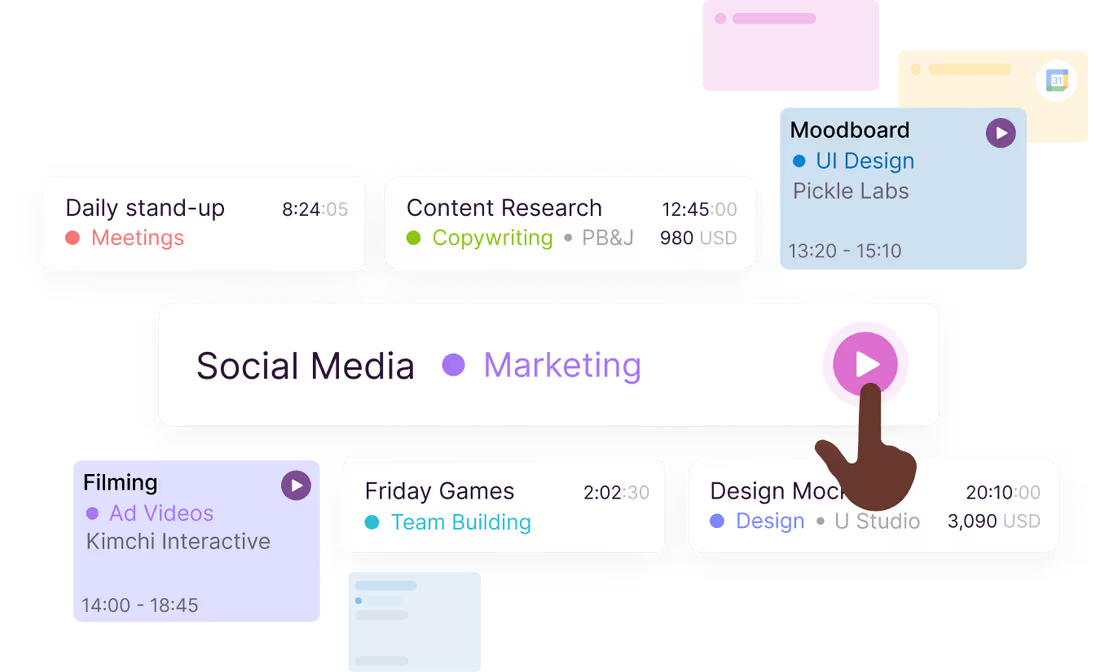
Track hours in real time
Toggl automatically builds employee timesheets from time tracked, so there's no guesswork and no spreadsheet entry to do by hand. It's all the benefit of timesheets, none of the manual work.
Track hours in real time
Toggl automatically builds employee timesheets from time tracked, so there's no guesswork and no spreadsheet entry to do by hand. It's all the benefit of timesheets, none of the manual work.

Bill accurately
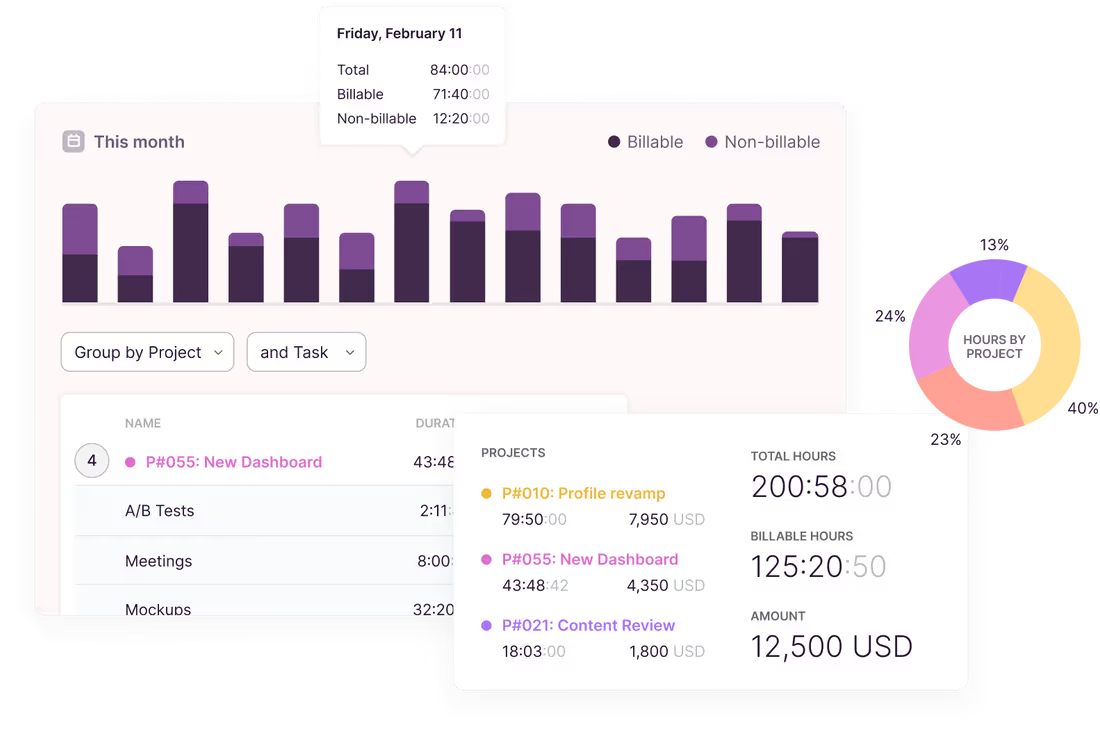
Capture every billable minute worked across your entire team. Easy-to-export data to help you bill with razor-sharp accuracy, and get paid exactly what you deserve — cha-ching!
Bill accurately
Capture every billable minute worked across your entire team. Easy-to-export data to help you bill with razor-sharp accuracy, and get paid exactly what you deserve — cha-ching!

Track where you work — at your desk or on the go
With apps for mobile, desktop, and web that sync in real time, a browser plugin and hundreds of integrations, Toggl can fit into any workflow.
Track where you work — at your desk or on the go
With apps for mobile, desktop, and web that sync in real time, a browser plugin and hundreds of integrations, Toggl can fit into any workflow.


Move faster from tracked time to the final bill
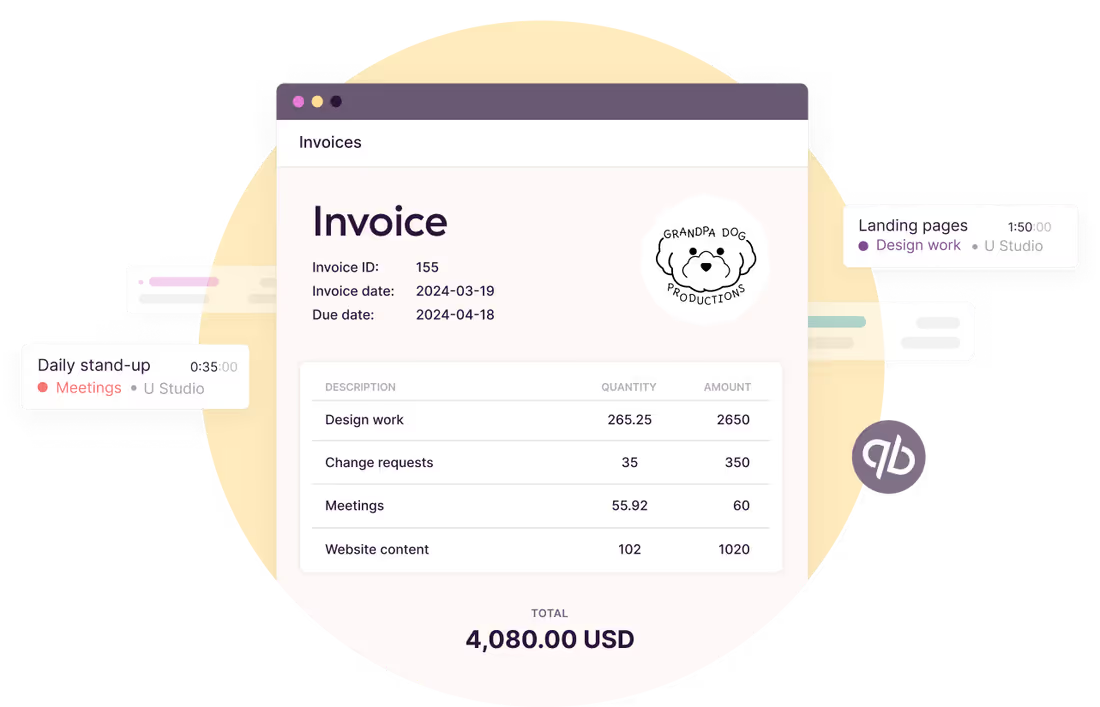
Use accurate and reliable time data (including billable hours) as a basis for your invoices. Export in your preferred format — CSV or PDF.
Move faster from tracked time to the final bill
Use accurate and reliable time data (including billable hours) as a basis for your invoices. Export in your preferred format — CSV or PDF.



Companies that use Toggl see:




Time tracking and invoicing features
Turn tracked hours into invoice-ready data without chasing anyone for their timesheet.
One-click timer
Start the timer, pick a client and project, mark it billable. Track from the web app, desktop, mobile app, or a browser extension in tools like Jira, Asana, Slack, GitHub, and many others.
Billable rates
Set hourly rates by client, project, team member, or task. Toggl calculates the billable amount as the hours come in, so you always know what a project is worth before you invoice it.
Detailed time reports built for billing
Filter a time report by client, project, or date range and see exactly what's billable. Export to CSV or Excel and attach it to the invoice as proof of work.
Project budgets and alerts
Set budgets in hours or fees, including recurring ones for retainer clients. Get alerted at 80% so you can bill for extra scope instead of absorbing it.
Timesheet approvals
Let team leads review and approve time before it leaves the workspace. Catch misfiled entries and missing hours at the source, not in a client's reply to your invoice.
Project profitability
Compare billable amounts against labor costs to see which clients and projects actually make money. Adjust rates on the next round instead of finding out at year end.
User love us...
Small team, no budget?
No problem.
No problem.
“The best free time tracking app”
Even those who have never used time tracking software before can get up and running quickly.
Today, 14 Apr
7:15:50
Illustrations
2:12:50
5 billable hours every day
3/5 hours
REACHED
Code every day
5/5 hours
NEW WEBSITE
12 of 20h
PM Daily
0:00:25
How does Toggl’s time tracking and billing work?

Create your free account
Yes, you can start using Toggl 100% free.

Invite your team
Get your entire team set up in seconds. You can invite up to five team members for free.
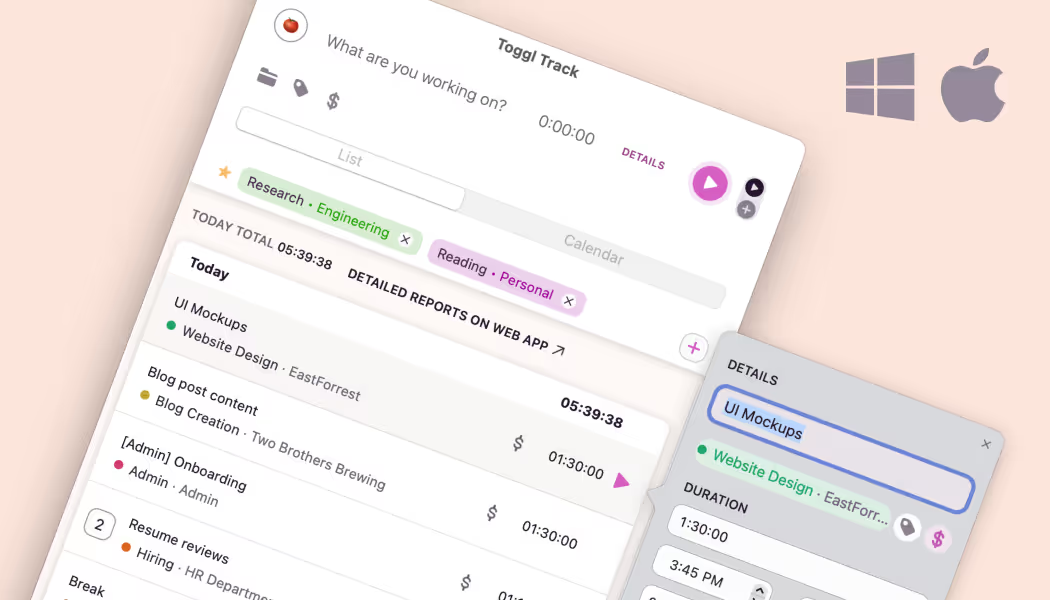
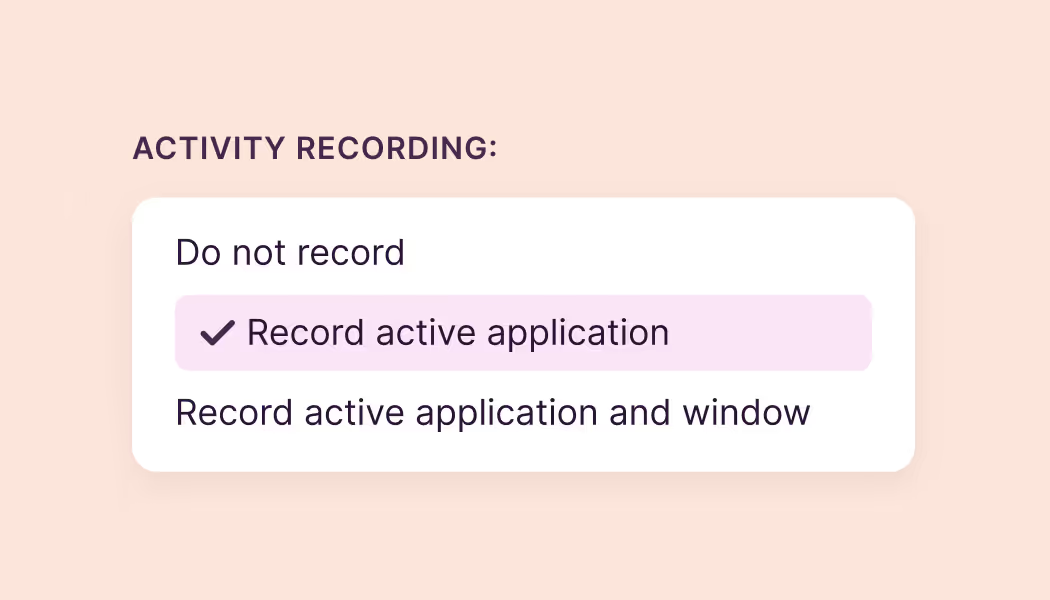
Enable activity recording
Log in to the desktop app, and enable the automatic activity recording. This functionality automatically tracks apps and websites active for 10 seconds or more.

Keep activities private
All app and website activity is stored locally. They’re not shared with any other team member. Visualize your activities on the calendar timeline.
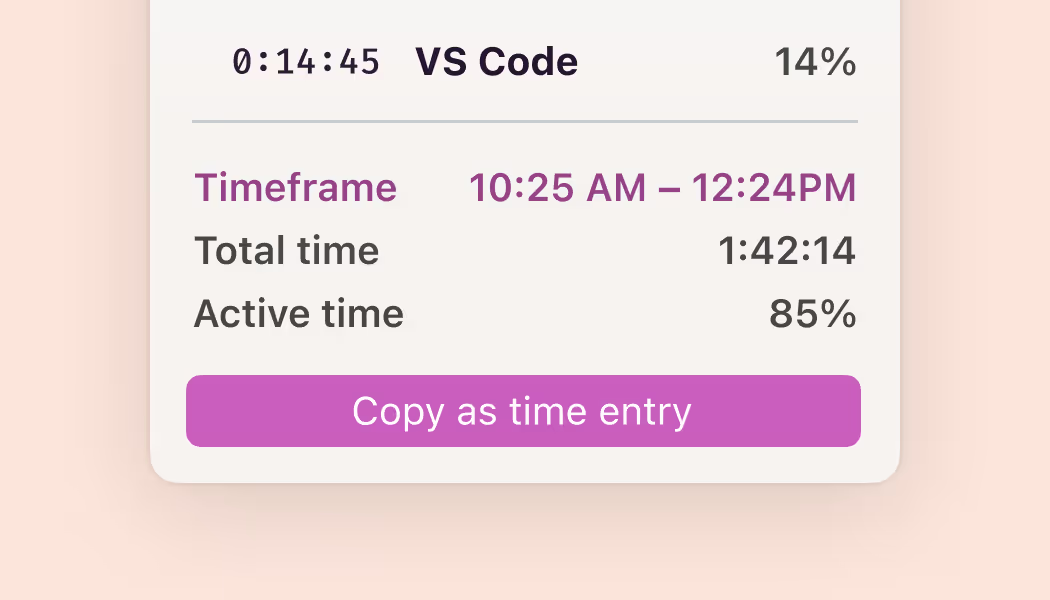
Submit time entries
When you’re ready, copy activities as time entries and submit. Your timesheet is ready, without having to remember everything you did during the day.
FAQs
