







Managing a large team?
Easy, fuss-free onboarding
Instant setup, intuitive one-click time tracking and privacy-first approach to make it a breeze to get the whole team on board.
Multi-platform time tracking that fits into your workflow
Track time from inside other tools, whether Google Suite or Jira, from your desktop, your phone, or the web.
GDPR-compliant and committed to employee privacy
Toggl stays compliant with the latest GDPR regulatory developments and takes a hard stance against employee surveillance
No credit card required
Free 30-day trial for all features
Cancel anytime



Capture every chargeable minute, see how booked the team is, and know which clients are worth keeping

Get accurate hours for billing and payroll
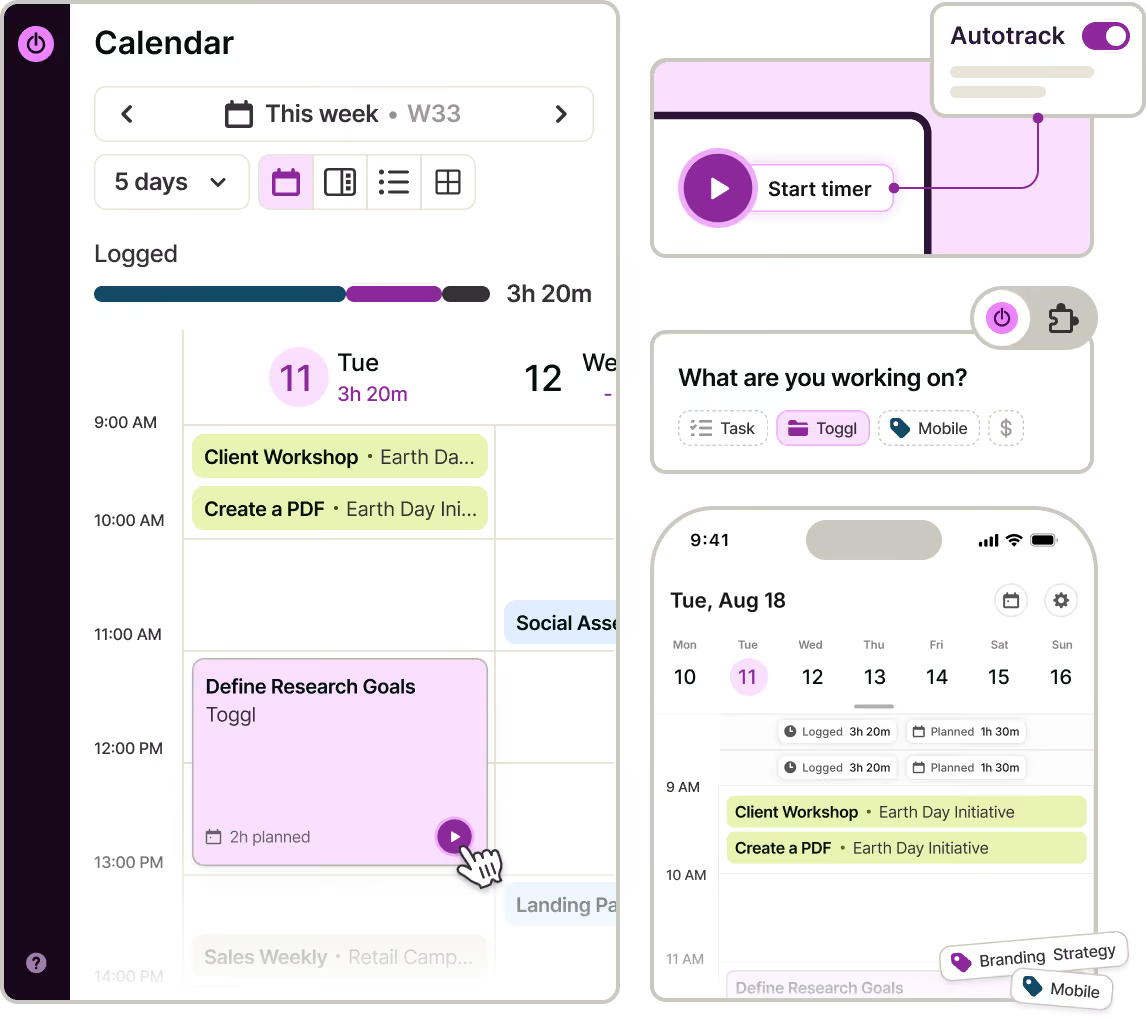
Ditch the chaos – your team can track.
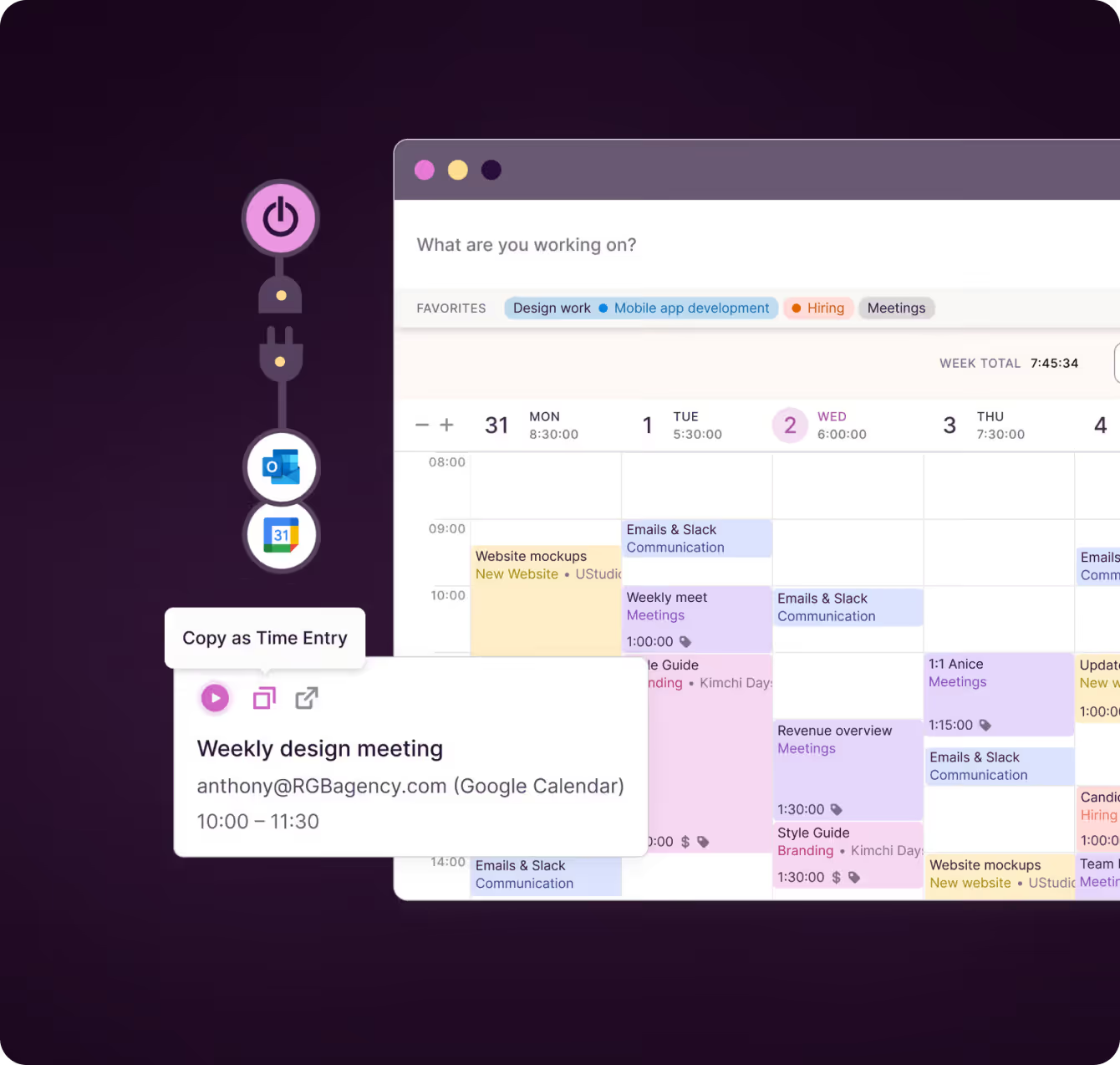
Start a timer for any client, engagement or task from web, desktop, mobile or a browser extension. Turn calendar events into entries so client calls stop disappearing from the timesheet.
Connect your calendars and let desktop auto-tracking record what you worked on as you move between files. You decide what stays private.
"Each employee saves at least 15–20 minutes per day, while providing extensively more detailed and accurate data about which projects and tasks they worked on.”
— Stephen Wierenga, Owner, Perception Engineering

Outsource the nagging
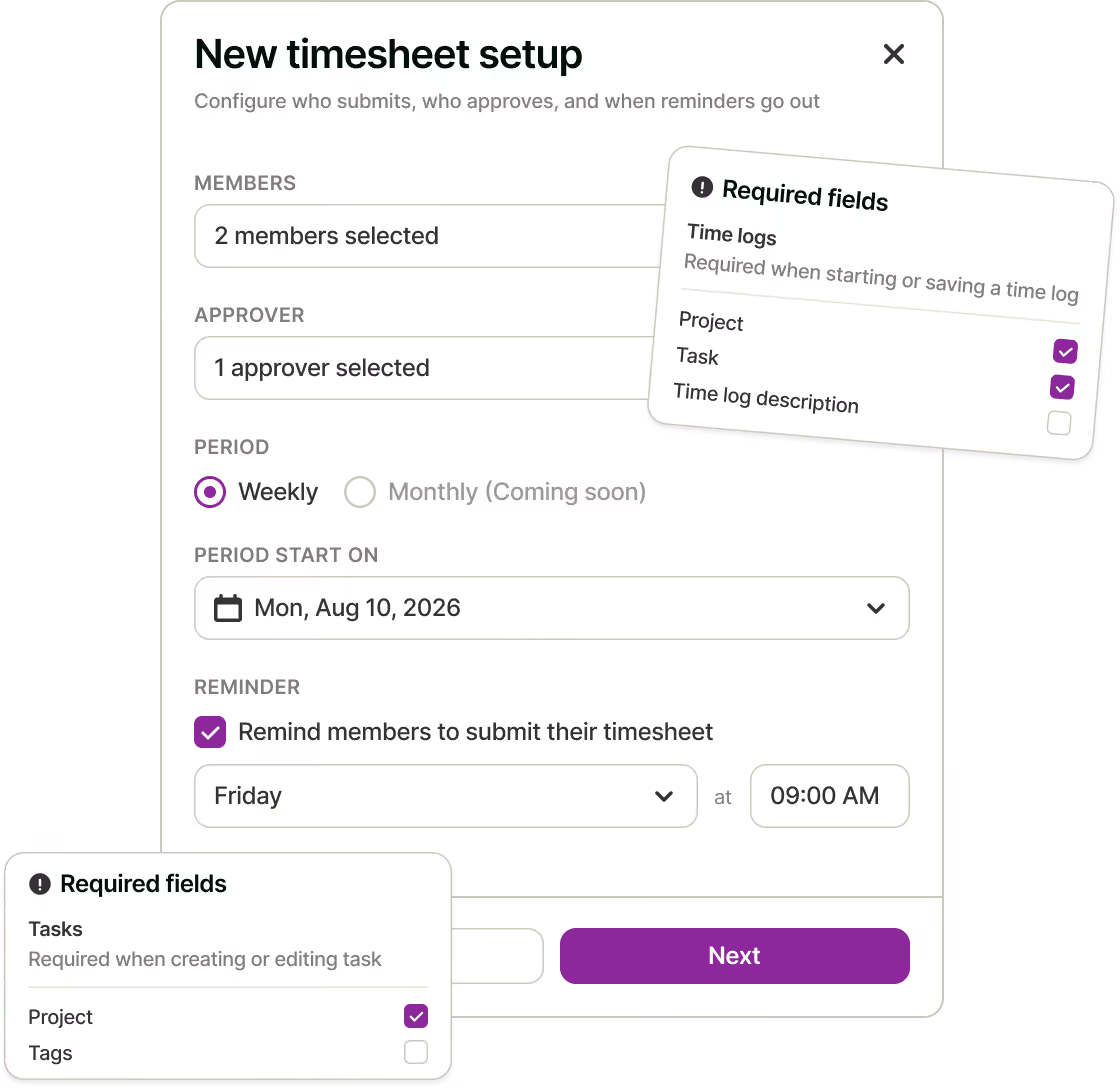
Say goodbye to "Make sure to fill in your timesheet" messages – send reminders, set required fields to reduce data inaccuracy.

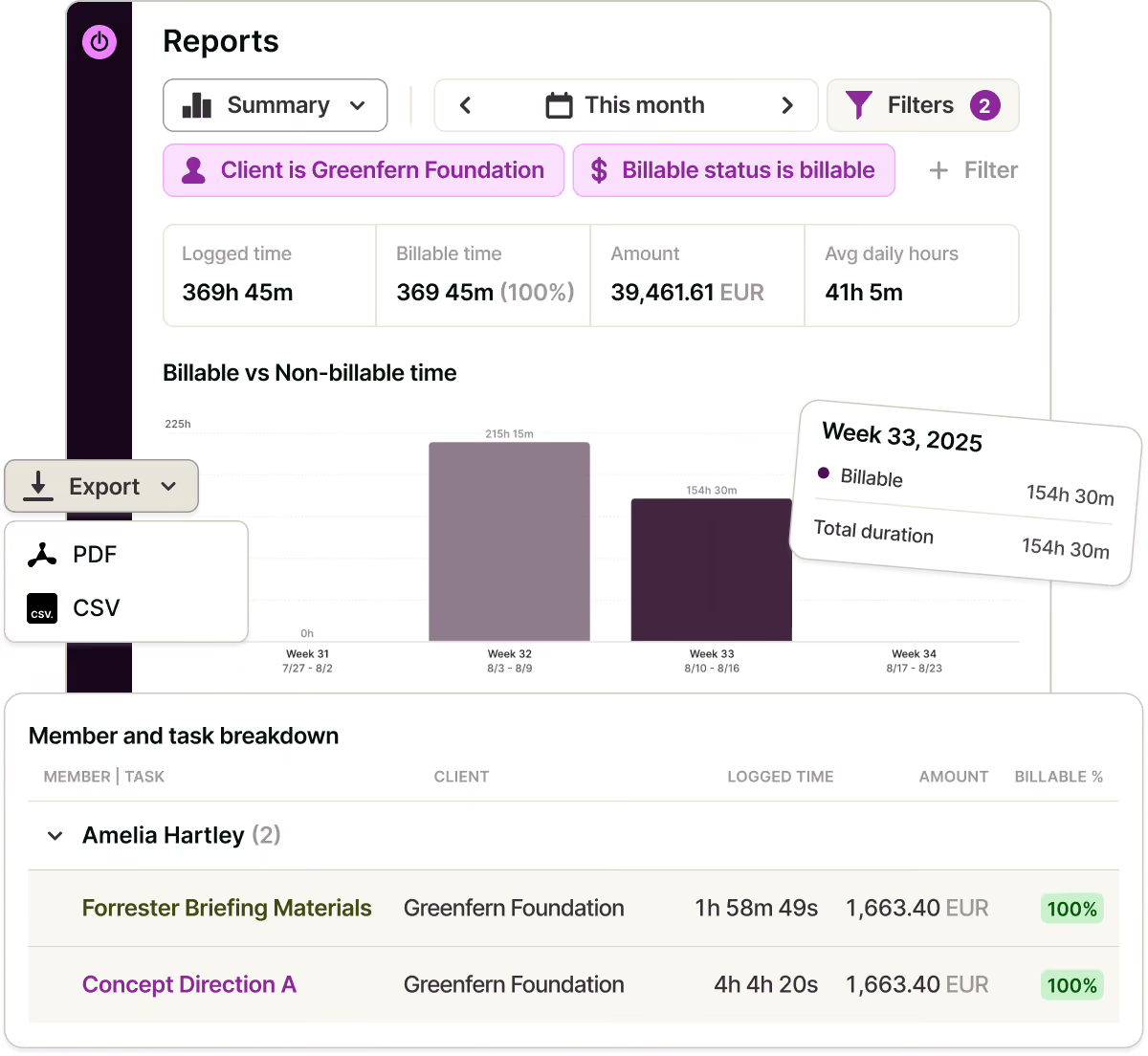
Give clients and internal teams a record you can defend
Filter time logs by client, period or engagement, and round to your billing increment automatically.
Export the report or invite stakeholders as Guests to see only their own projects. Approvals mean no hour reaches a bill without review.
"Time tracking brought transparency and trust into the relationship with our clients.”
— Dominika Babulicová, Lighting Beetle

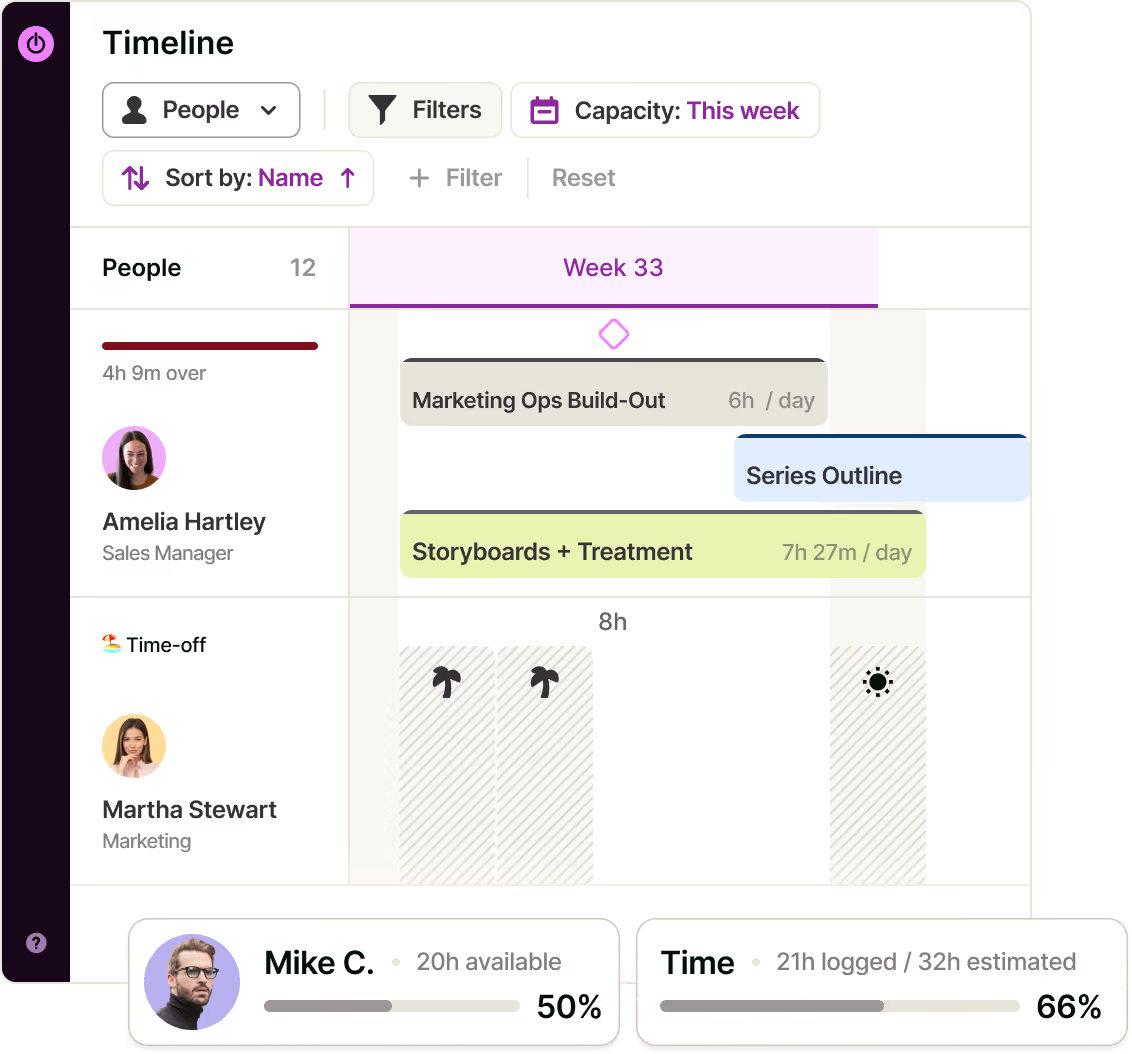
Plan the next busy season with real-time capacity
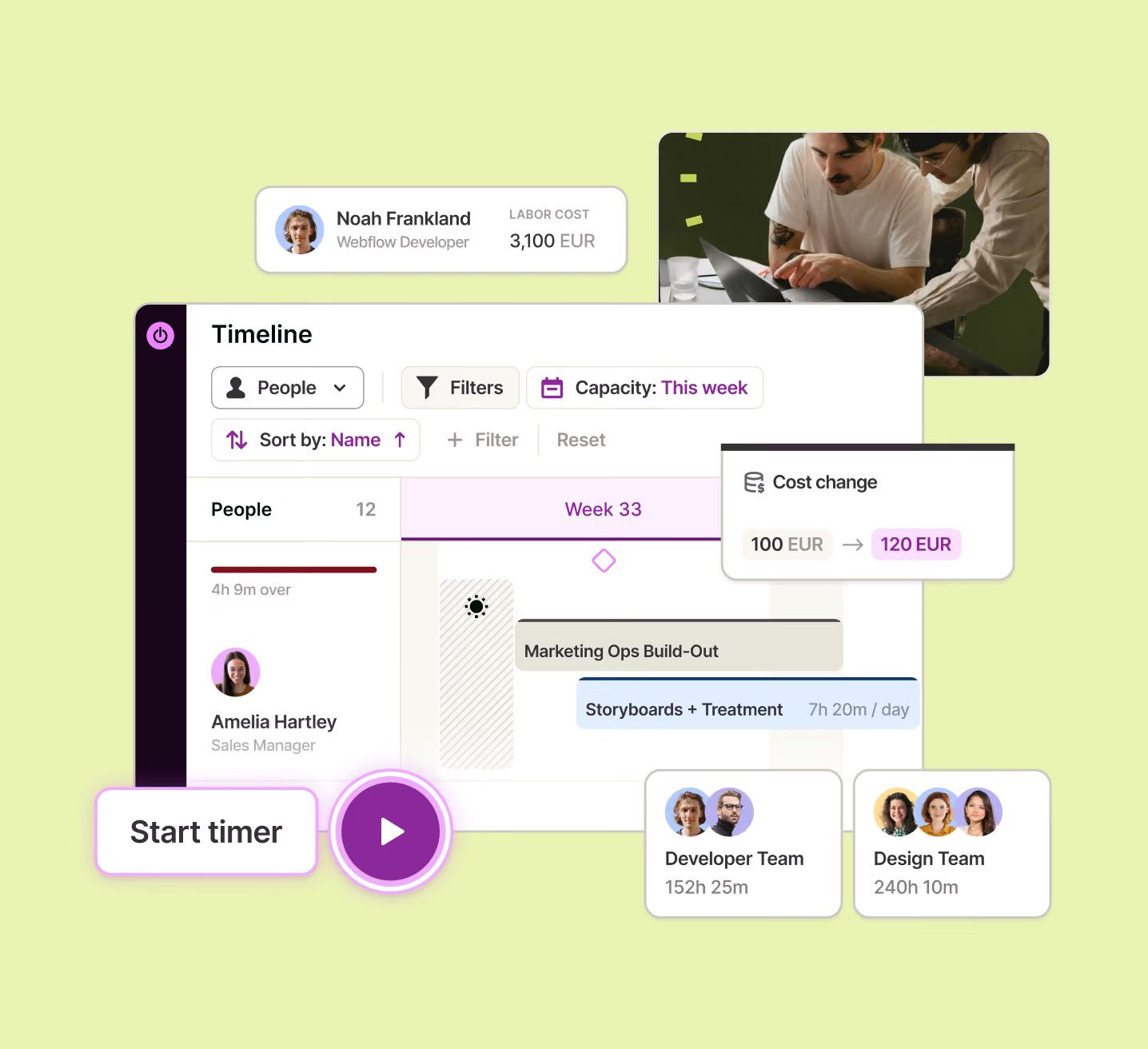
Group the Timeline by People to see live capacity, including time off and holidays, so filing season gets staffed against the weeks you actually have.
Compare estimates with actuals to price the next project on evidence.

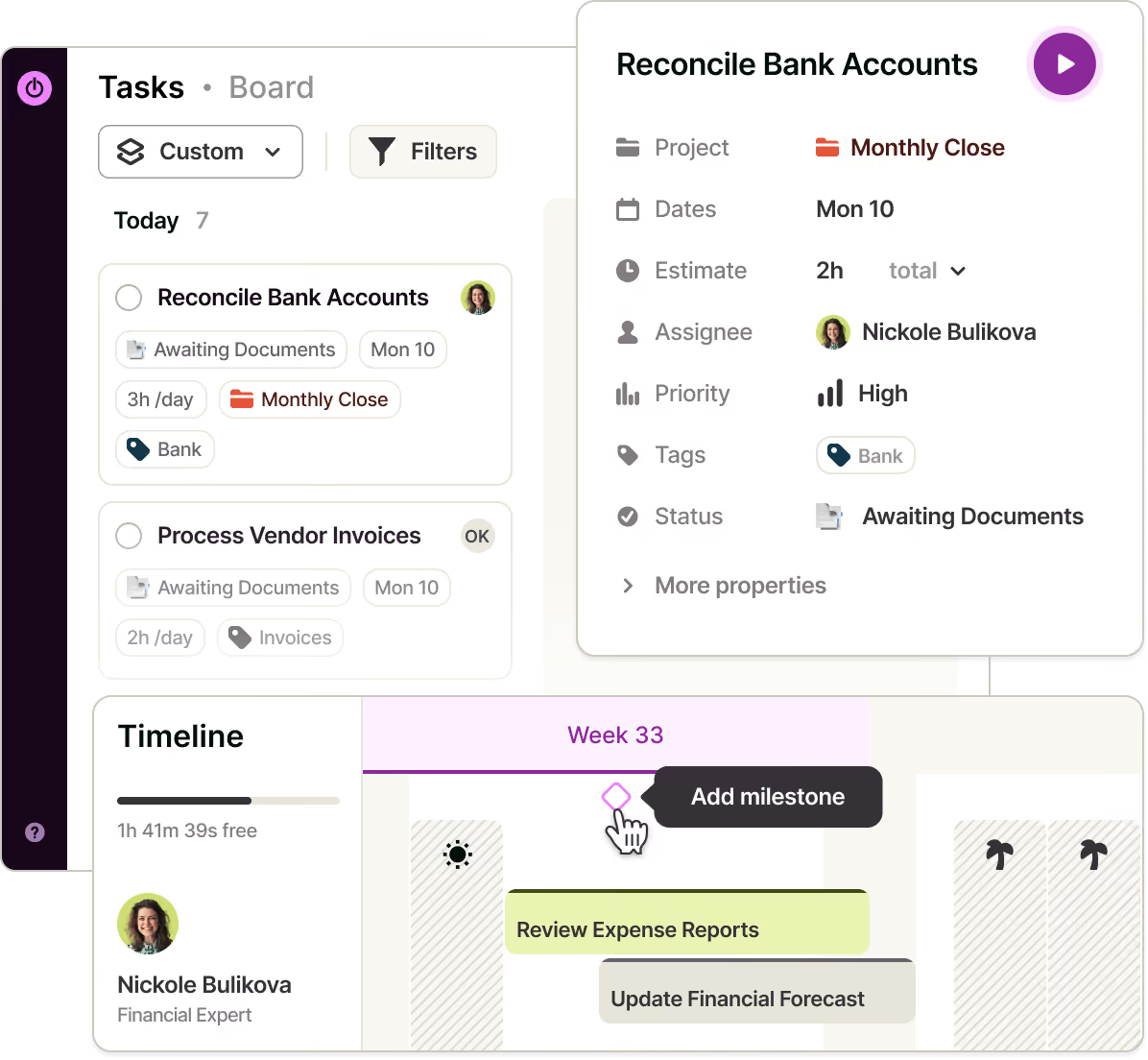
Run the engagement calendar in one place
Break work down into tasks with owners, estimates and due dates, with statuses following your own process from preparation through review to filing.
Statutory deadlines sit on the Timeline as milestones.

Desktop keyword rules and a private activity timeline, or a timer from a calendar event, browser extension, or any device.
Track budgets with an alert before the fee's consumed. See margin on the fee, and what to reprice at renewal.
See where non-billable hours go — admin, chasing records, internal review — per person and client, early enough to act on.
Different billable and cost rates by person and project. Real engagement margin, not a blended guess.
Filter, round to your increment, share reports or invite Guests. Review and approve timesheets before anything's billed.
See who's available, booked or over capacity based on hours, time off and planned work. Decide what to take on, and when to hire.
Know what last year's close or tax return actually took, so this year's fee — or headcount case — is built on evidence.
Turn calendar events into time entries, and pull hours, rates and costs into your reporting stack via Integrations, API or MCP.
One source of truth for every finance team
FAQs


