

Project time tracking that shows you the margin, not just the hours
Toggl connects project time tracking with the work you planned. Track time manually, automatically, with a timer, Pomodoro or calendar events—then see estimates vs. actuals, capacity and profitability without rebuilding reports in a spreadsheet.

Timer, manual entry, Pomodoro and calendar-to-entry, on web, desktop and mobile
Time logged against the task you planned, so estimates vs. actuals are clear
Billable rates, labour costs, profitability and project dashboards on the same hours







A timesheet tells you where the hours went. It should tell you whether they were worth it.
Most teams plan and track time in separate tools, then reconcile them without knowing whether estimates were realistic, teams have capacity, or projects made money. Toggl keeps the plan and tracked hours together, so the answers are already there.

Track time against the plan
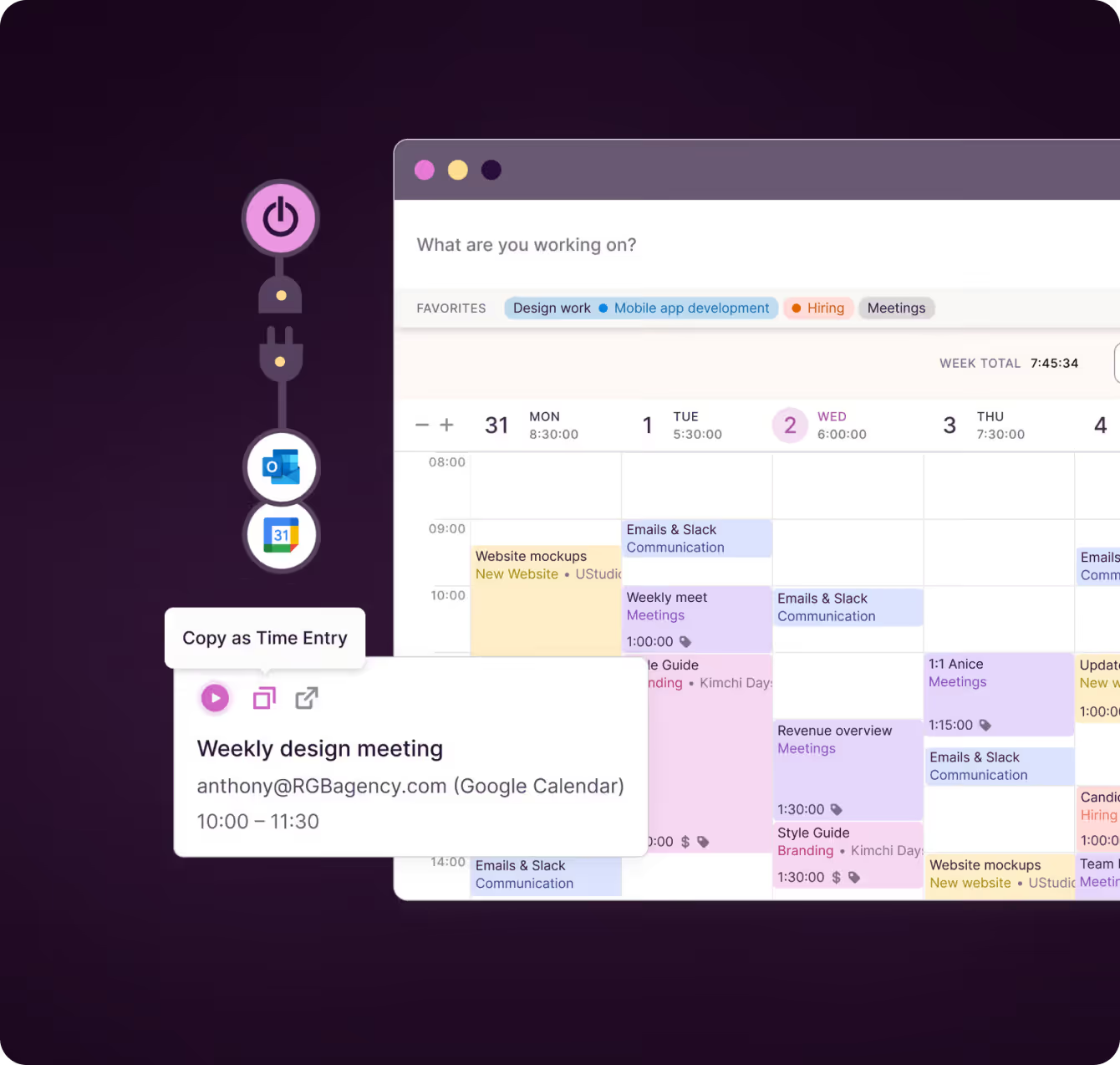
Track from a task using a timer, manual entry, Pomodoro, calendar event, desktop auto-tracker, browser extension, mobile or desktop app. Because estimates and tracked hours live on the same task, estimates vs. actuals, workload and utilization require no exports.
.avif)

Catch overruns and keep time clean
Set alerts for project estimates and fixed-fee budgets, and pin milestones to key dates. Use required fields, reminders and timesheet approvals to keep entries complete, then round hours to match how you invoice.
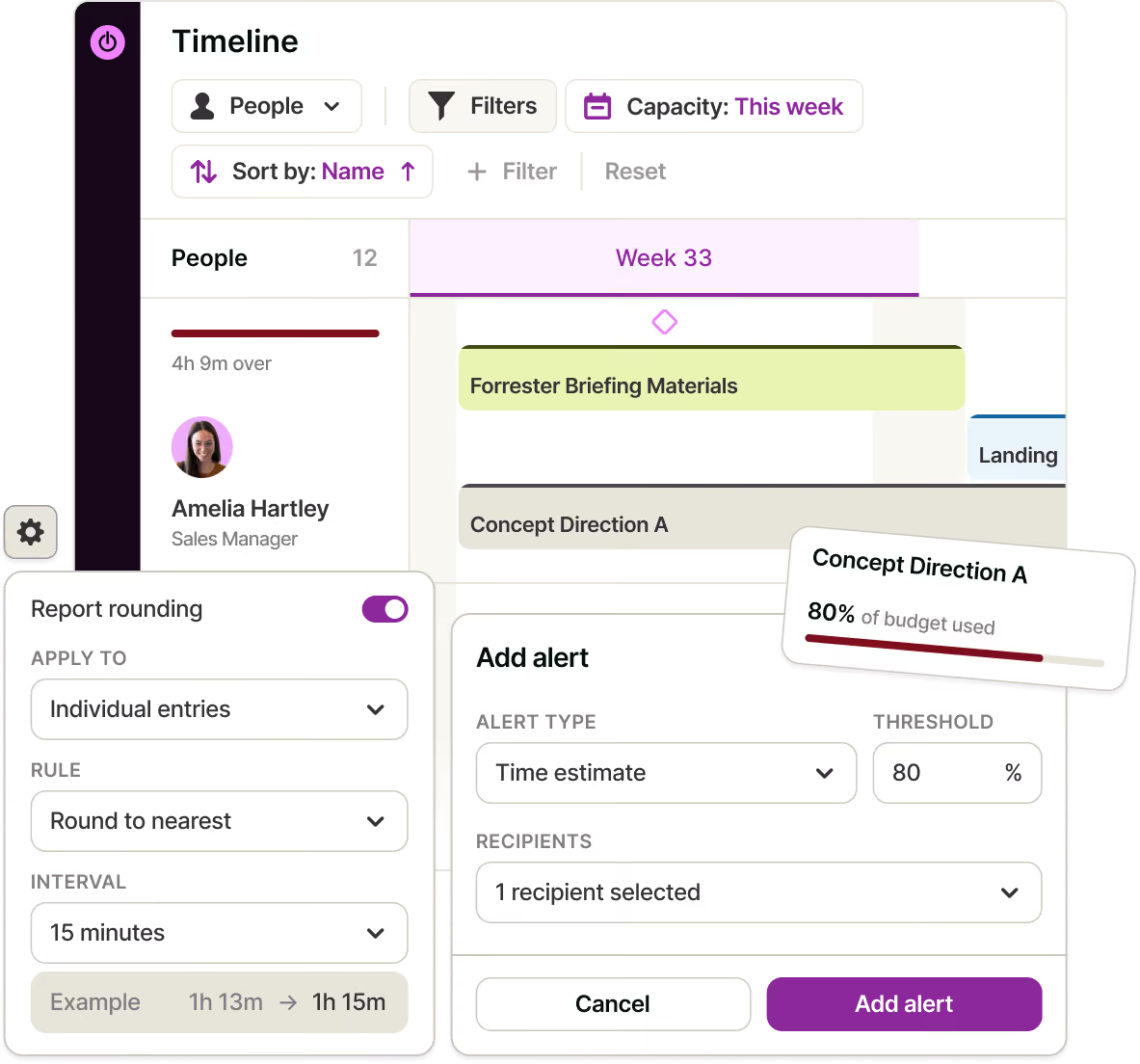

Turn tracked hours into business answers
Add billable rates and labour costs to calculate revenue, cost, profit and margin by project or client. Handle fixed fees and multiple currencies, then explore Time Logs, Summary, Workload, Utilization, Profitability reports and project dashboards.
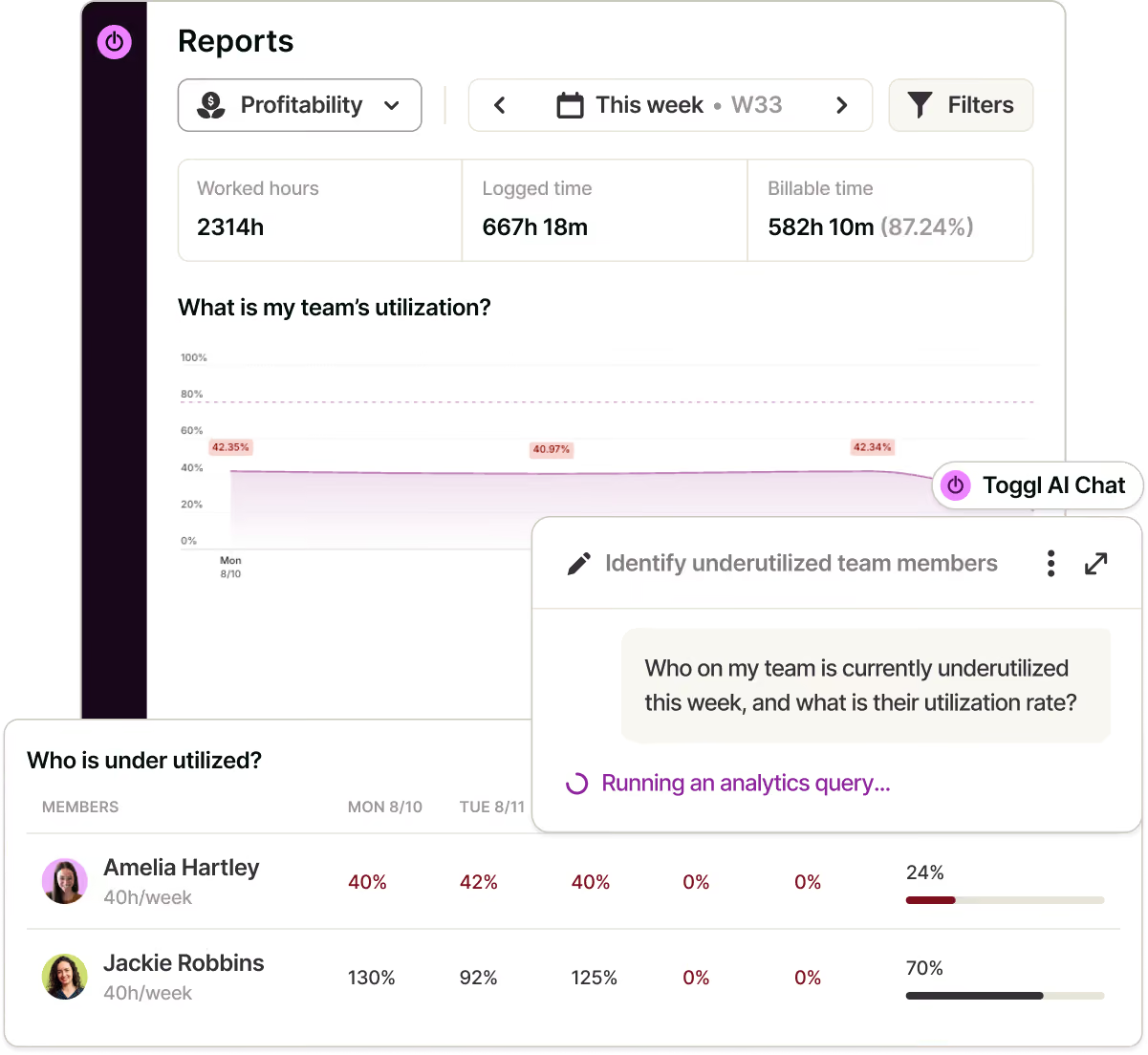

Bring your tools and history with you
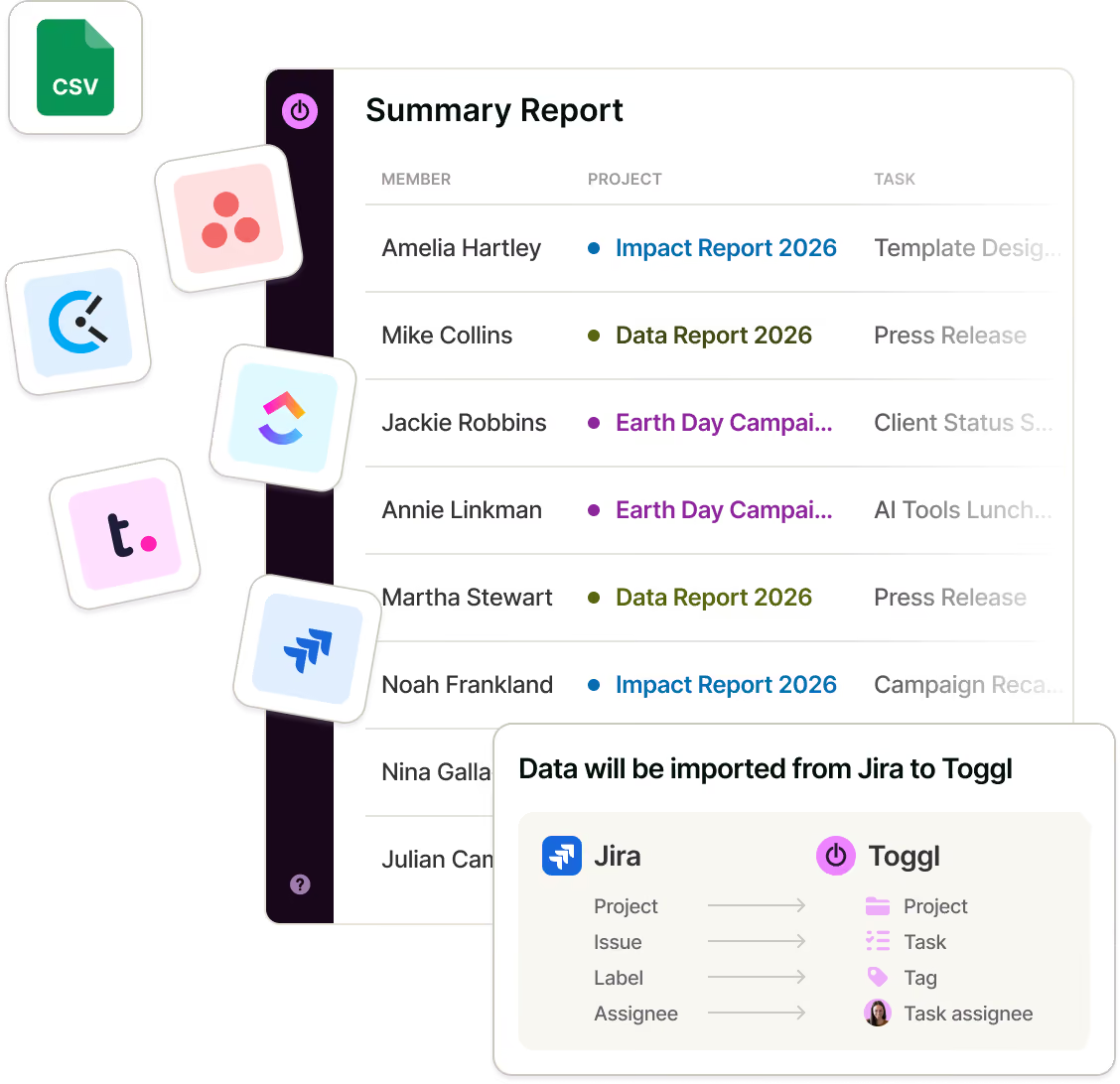
Import CSV files from Harvest, Clockify, ClickUp, Asana and Teamwork, with a preview before anything lands. Use two-way Jira and Asana sync, the public API or MCP to connect Toggl with the rest of your workflow.
“I didn’t have clarity over where my resources were going or how long I was spending on things — which makes pricing hard. The bigger challenge is capacity: how booked am I, how much work do I have, when’s my next availability?”
— Thomas Unsworth, Founder, Launch Web Design

Online, offline or on the go? We have an app for that!
Your data instantly syncs across all apps and devices
NEW WEBSITE
12 of 20h


Web app
To view time reports, manage projects and teams

Browser plugins
Integrations with your favorite online tools
REACHED
Code every day
5/5 hours




Project time tracking features
Everything between the timer and the invoice.
Flexible time tracking
Track with a timer, manual entry, Pomodoro or turn your calendar event into time log automatically.
Automatic tracking across devices
Fill gaps with the desktop auto-tracker, track from other tools with the browser extension, and work across web, iOS, Android, macOS and Windows.
Estimated vs. tracked work
Keep estimates and tracked hours on the same task, then use milestones and alerts to catch time or fixed-fee overruns.
Timesheets and approvals
Review weekly or monthly timesheets, send reminders, and approve or request changes before locking submitted time.
Clean data and controlled access
Use required and custom fields to keep entries complete, with roles that control what employees, contractors and clients can see.
Billing controls
Mark time as billable or non-billable, set rates at multiple levels, manage fixed-fee projects, and round hours for invoicing.
Costs and profitability
Add labour costs, convert multiple currencies, and see revenue, cost, profit and margin by project or client.
Time Reports and exportstracking and reporting
Explore Time Logs, Summary, Workload, Profitability and Utilization reports and project dashboards, save filtered views, and export to different formats.
Imports and integrations
Import a CSV, sync two-way with Jira and Asana, or connect other workflows through the API and MCP.
How does Toggl’s project time tracker work?
Toggl has everything you need, yet it’s easy enough for your team to enjoy using it every day.
Create a workspace and invite your team
Set custom billable rates for your organization, project, or team member. Save and access historical billable rates to gain accurate insights from past work.
Add your clients and projects
Create them from scratch or import them via CSV, or from Harvest, Clockify, ClickUp or Asana.
Set estimates and fixed fees
Turn on alerts so you know when work approaches them.
Add rates and costs
Use billable rates for revenue and labour costs for margin.
Start tracking
Use a timer, manual entry, Pomodoro or your calendar. Add required fields and alerts to keep time data complete.
Read profitability and utilization
Get the answers without assembling them manually.


Why 120,000+ users started...
Small team and no budget? We have you covered
“The best free time tracking app”
"After trialing 20 similar products, Toggl was a clear winner providing everything I needed."
Today, 14 Apr
7:15:50
Illustrations
2:12:50
5 billable hours every day
3/5 hours
REACHED
Code every day
5/5 hours
NEW WEBSITE
12 of 20h
PM Daily
0:00:25
How does Toggl’s project time tracker work?
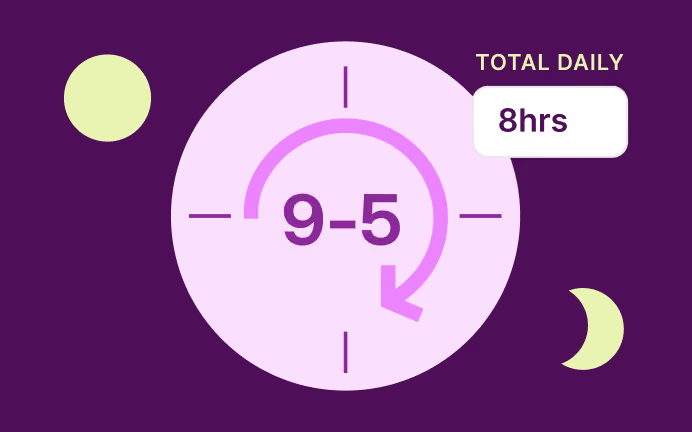
1. Create a workspace and invite your team
No credit card required to get started.
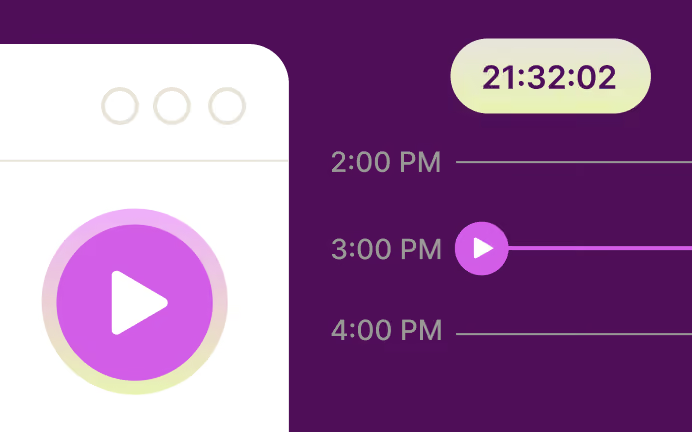
2. Add your clients and projects
Create them from scratch or import them via CSV, or from Harvest, Clockify, ClickUp or Asana.
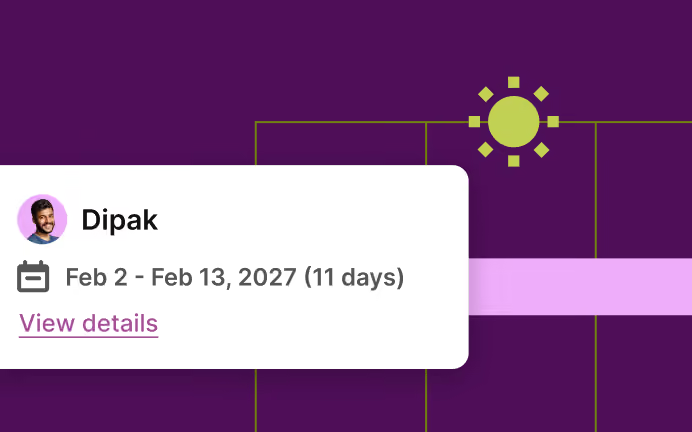
3. Set estimates and fixed fees
Turn on alerts so you know when work approaches them.
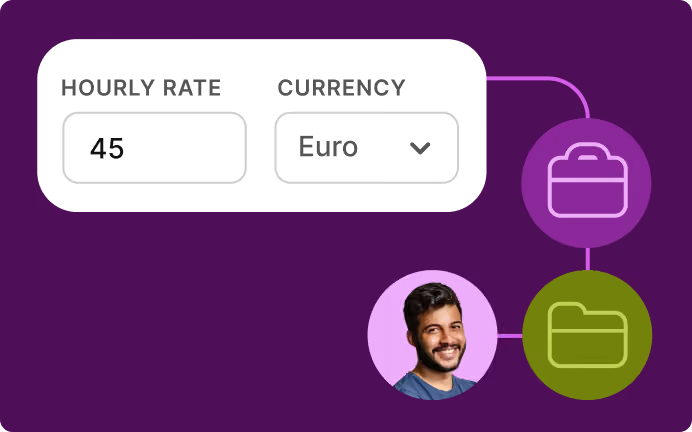
4. Add rates and costs
Use billable rates for revenue and labour costs for margin.
5. Start tracking
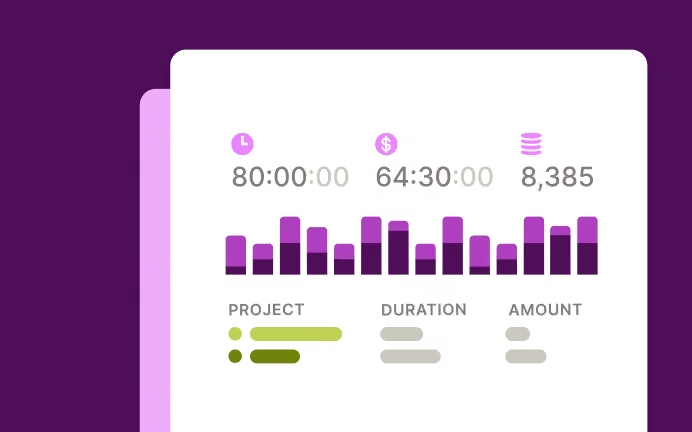
Use a timer, manual entry, Pomodoro or your calendar. Add required fields and alerts to keep time data complete.
6. Read profitability and utilization
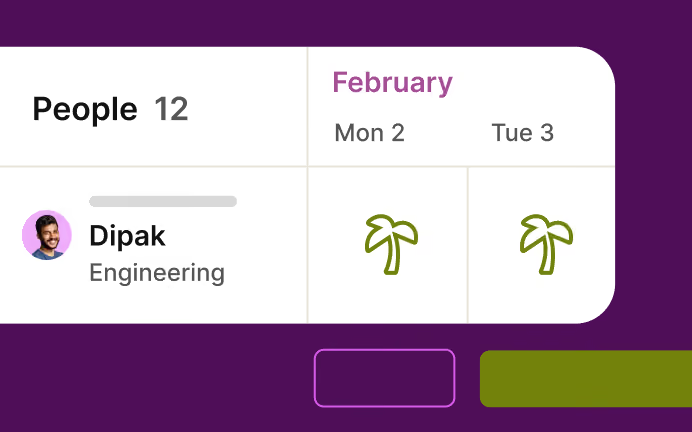
Get the answers without assembling them manually.
FAQs


