
One system for PTO tracking, time off management, and team capacity

Toggl’s PTO tracker connects approvals, balances, and policies directly to your capacity planning — no spreadsheets, no separate tools.

Leave approvals and balances

Flexible time-off policies

Capacity updates automatically

Time Off Pro is a per-seat add-on on top of a paid Toggl plan, with a free 30-day trial.
Everything time off touches, in one system

No more cross-checking a separate calendar or spreadsheet. Time off, workload, capacity, and time tracking all live in Toggl.

One place for PTO, planning, and time tracking

No more cross-checking a separate calendar or spreadsheet. Time off, workload, capacity, and time tracking all live in Toggl.
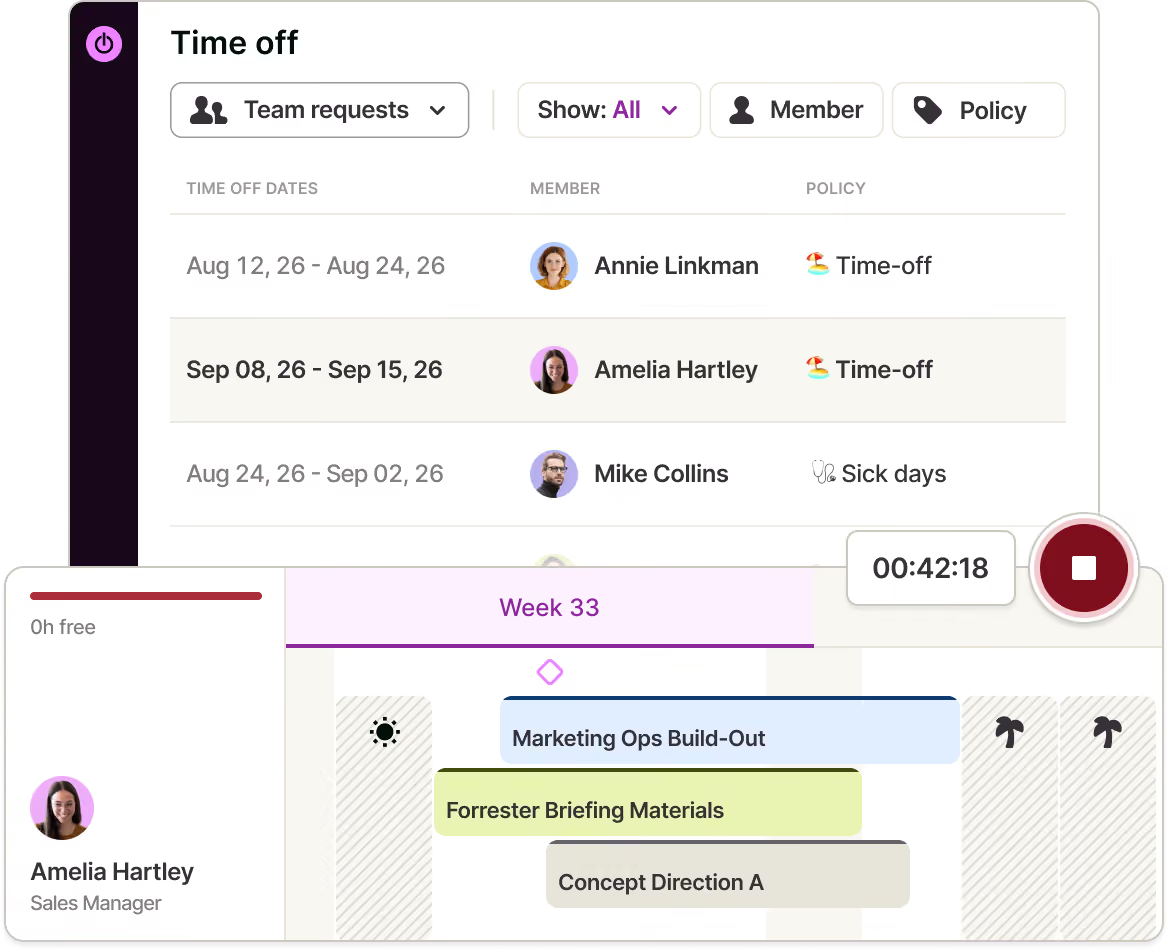
One place for PTO, planning, and time tracking

No more cross-checking a separate calendar or spreadsheet. Time off, workload, capacity, and time tracking all live in Toggl.

PTO approvals, balances, and policies all in Toggl

Turn everyone's personal time-off log into a full system, without leaving Toggl.
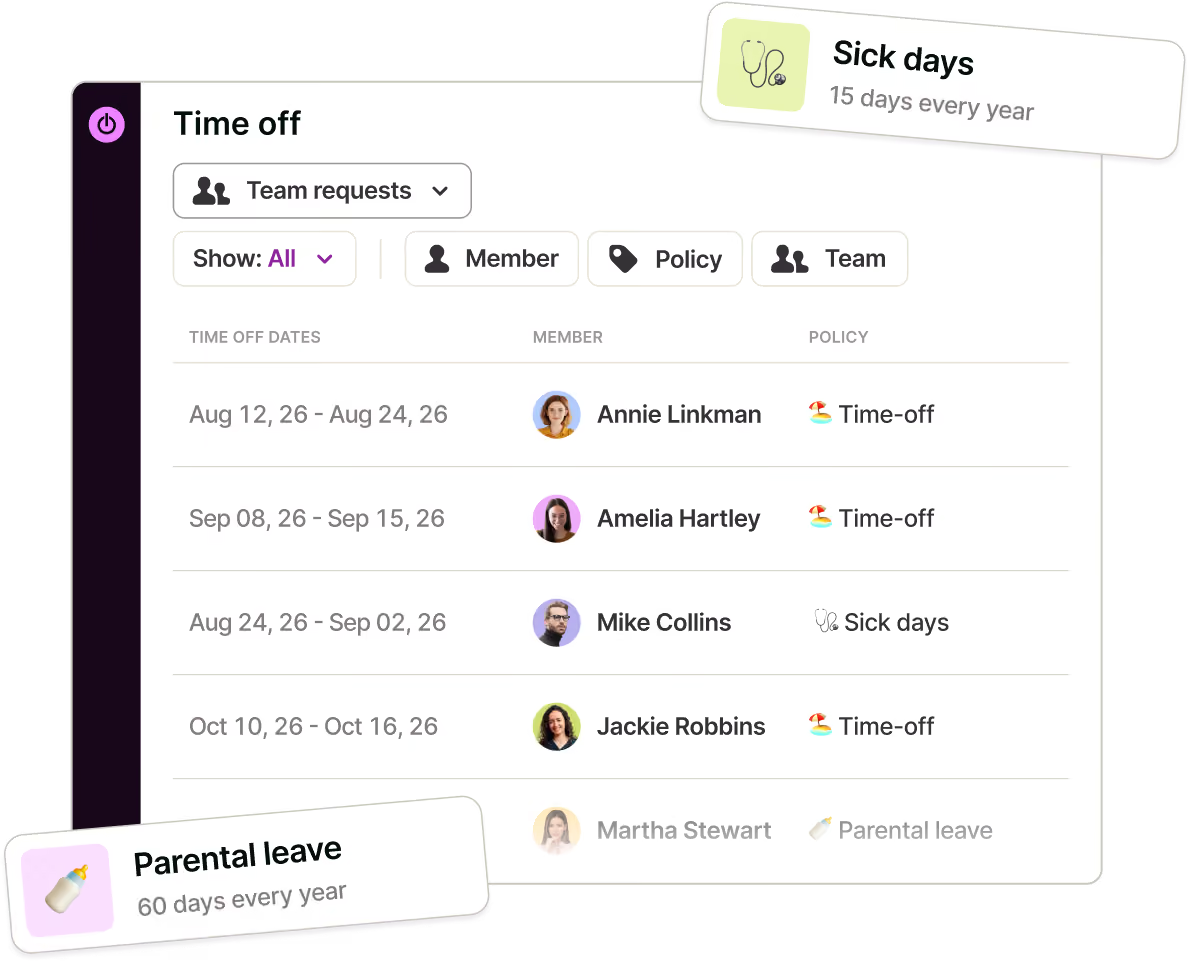
PTO approvals, balances, and policies all in Toggl

Turn everyone's personal time-off log into a full system, without leaving Toggl.

Policies for vacations, sick days, and any PTO type

Set up categories like vacation, sick, and parental leave, each with its own approval and accrual rules.
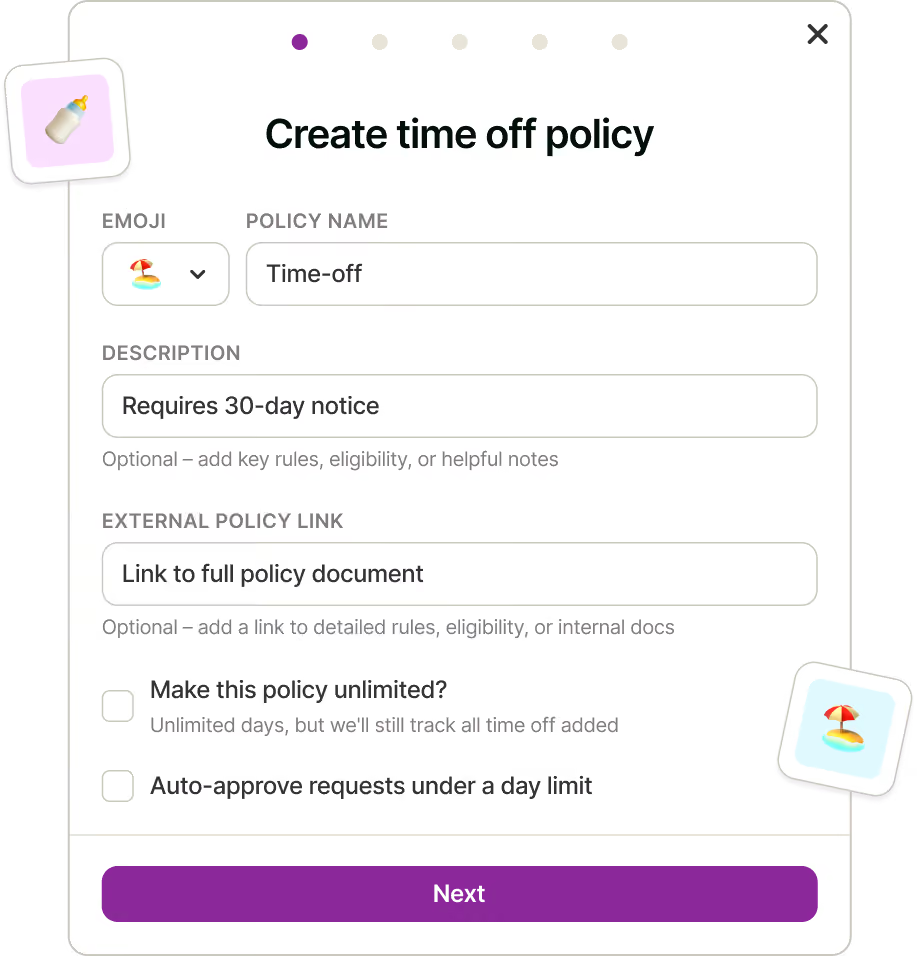
Policies for vacations, sick days, and any PTO type

Set up categories like vacation, sick, and parental leave, each with its own approval and accrual rules.

Capacity that updates itself

Approved time off is automatically factored into team capacity, so your capacity view stays accurate without manual adjustments.
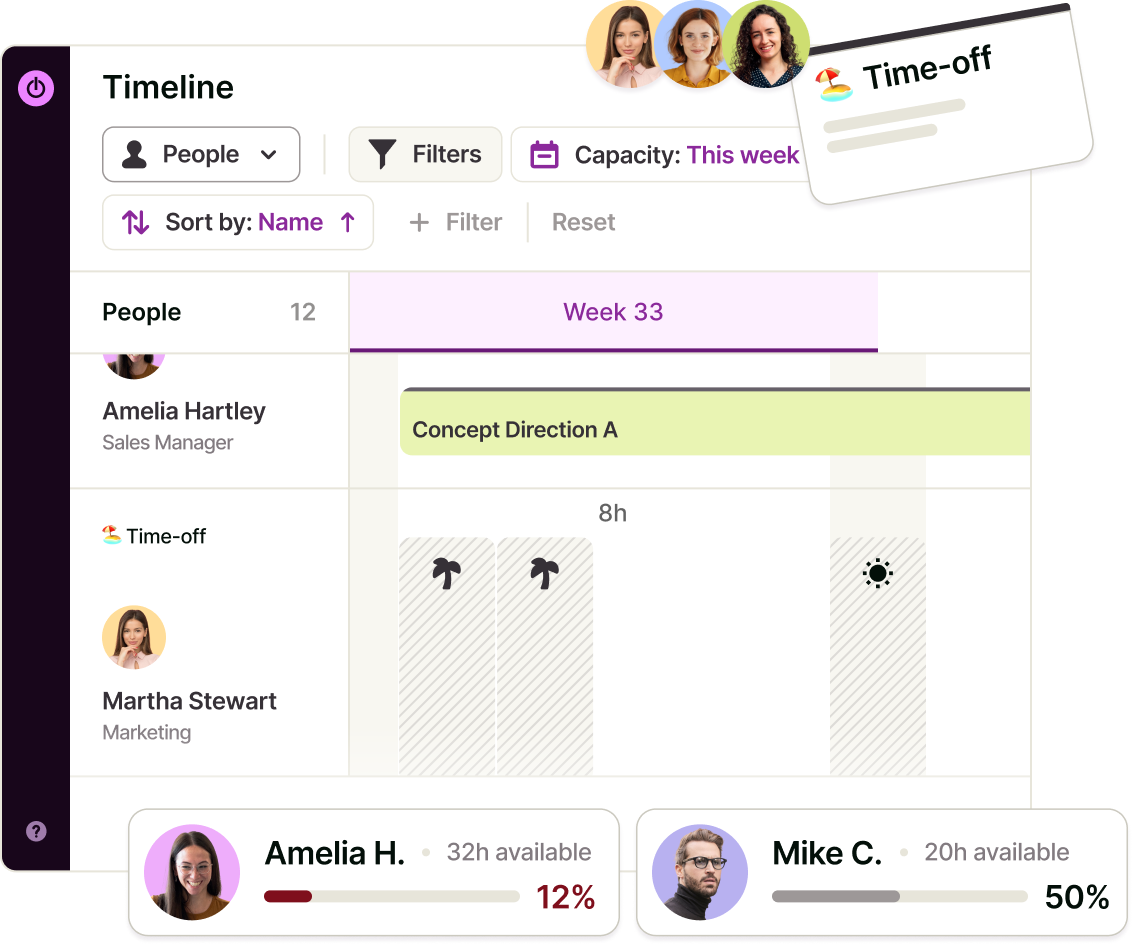
Capacity that updates itself

Approved time off is automatically factored into team capacity, so your capacity view stays accurate without manual adjustments.

See leave usage across your team, not just requests

The Absence & Balances report shows what your team has taken, what's scheduled, and what's left — for any period, by person or by policy. Four numbers at the top — remaining balance, taken, scheduled, and absence rate — give you the snapshot; the table underneath breaks it down further. Filter by member, policy, team, or balance.
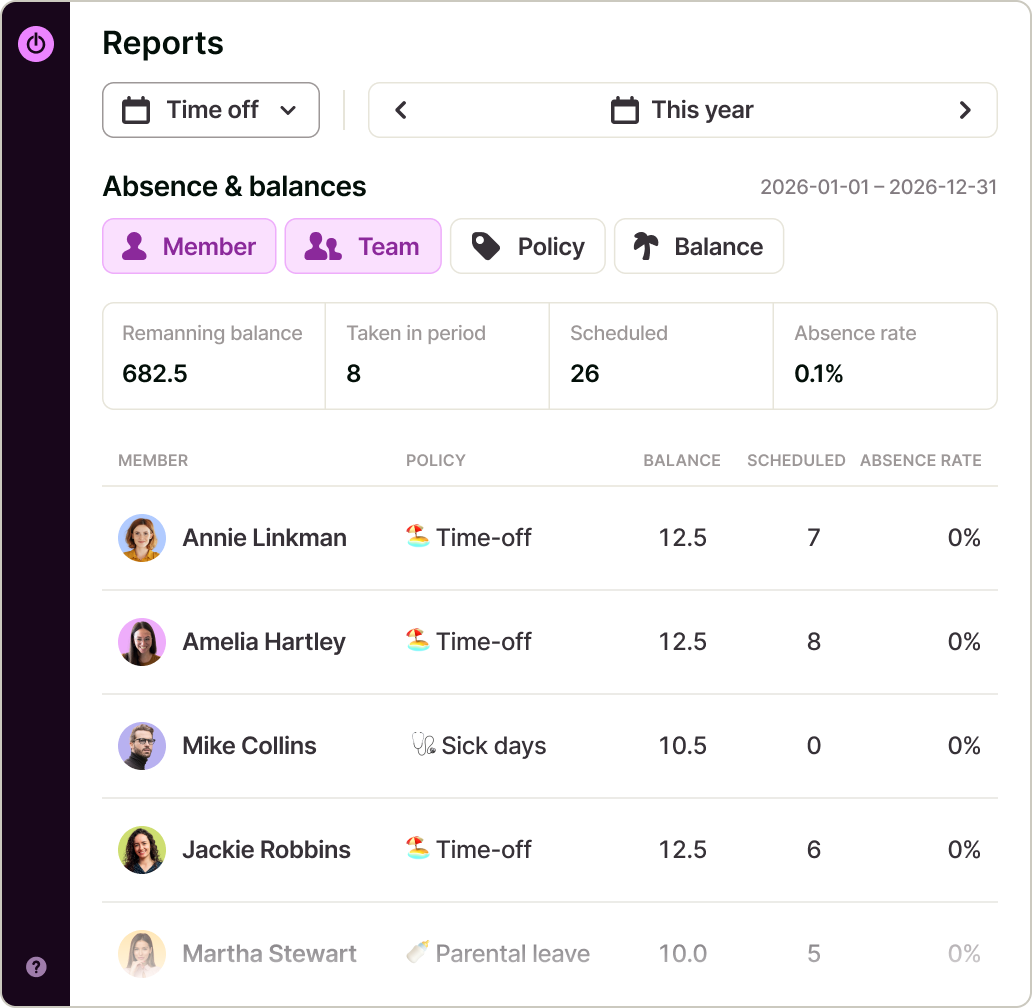
See leave usage across your team, not just requests

The Absence & Balances report shows what your team has taken, what's scheduled, and what's left — for any period, by person or by policy. Four numbers at the top — remaining balance, taken, scheduled, and absence rate — give you the snapshot; the table underneath breaks it down further. Filter by member, policy, team, or balance.

Time Off Pro Features

Everything a team needs to manage time off, without leaving Toggl.
Approval workflows
Requests route to the requester's Team Lead automatically; Owners and Admins can approve anyone's.
Accrual balances
Track how much time off each person has accrued and used, always up to date.
Custom policies
Set up vacation, sick, parental leave, or any category your team needs, each with its own rules.
Capacity that updates itself
Approved time off feeds directly into the capacity timeline — no manual adjustment required.
Absence & Balances report
See leave taken, scheduled, and remaining by person or policy, plus an overall absence rate — exportable to CSV or PDF.

How does Time Off Pro work?

Set up your policies

Define leave categories — vacation, sick, parental, and any others your team needs — each with its own approval and accrual rules.
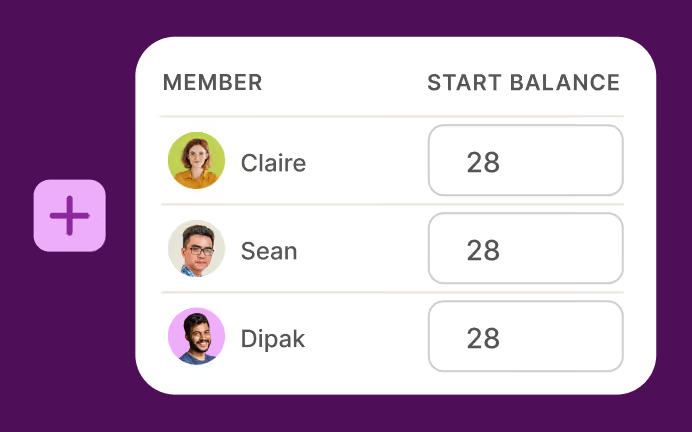
Assign seats

Add the members who need approvals, balances, and team visibility.
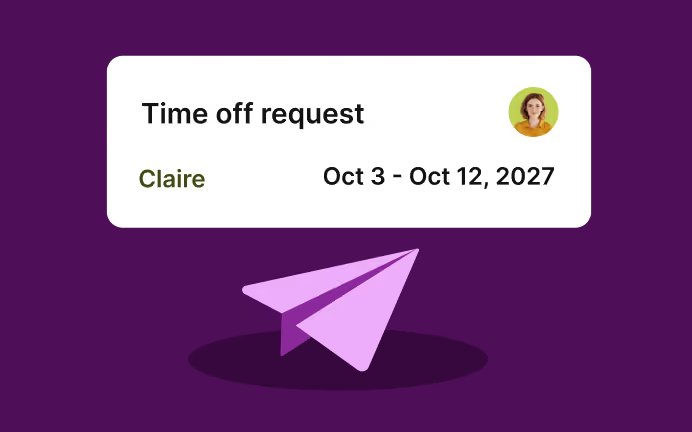
Team members request time off

Anyone with a seat can request leave against a policy.
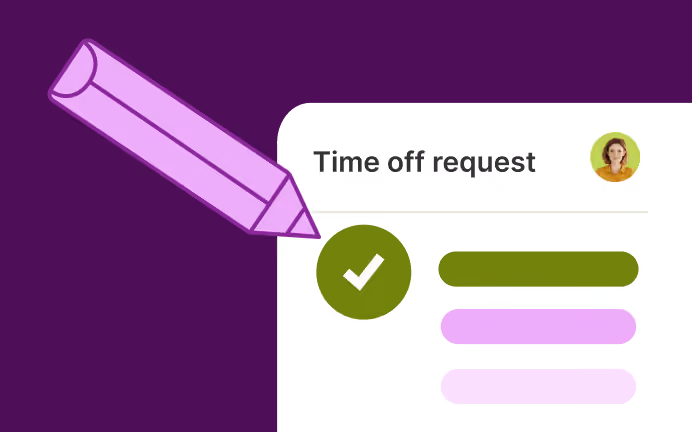
Requests route automatically

New requests go to the requester's Team Lead; Owners and Admins can approve anyone's.
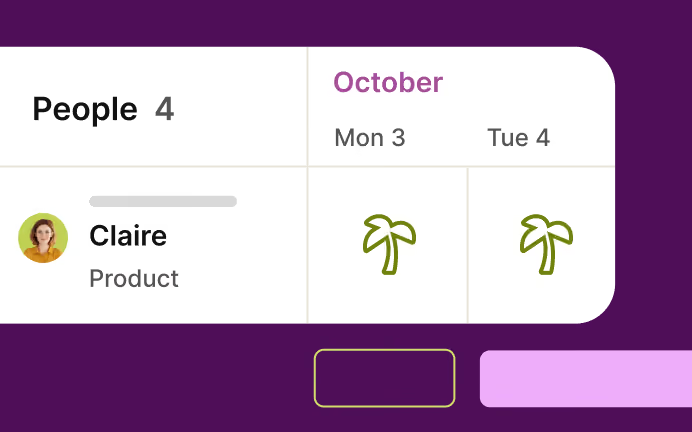
Capacity updates itself

Approved time off feeds directly into the capacity timeline to understand availability and plan work ahead.
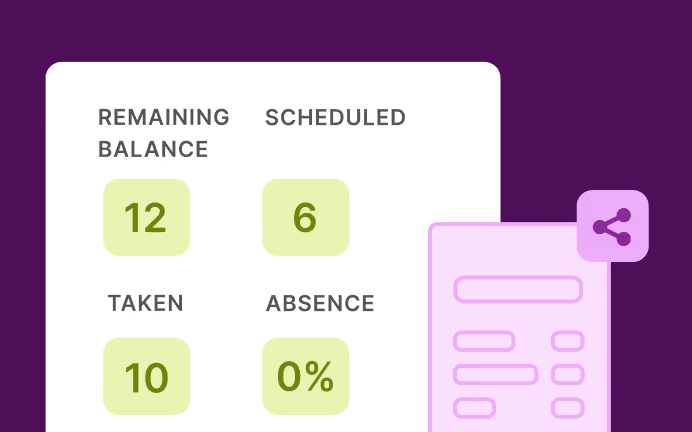
Check usage anytime

Run the Absence & Balances report to see taken, scheduled, and remaining leave by person or policy, and export it to share.

Automatic time tracking? Do you mean spying on my employees?
No, we don’t. Our automatic time tracking accurately captures your team’s time while being 100% private.
Toggl Track simplifies time and task management for employees. They can choose which activities to share as time entries based on their workflows. So you can drive profitability and team productivity while prioritizing your employee’s trust and well-being.
Companies that use Toggl Track see:
40+ hours saved monthly
at Perception Engineering with one-click time tracking and reporting
100% time tracking adoption
with easy, non-intrusive time reporting at software consultancy Newlogic
20% increase in profitability
by accurately tracking billable work hours at Sweat+Co PR agency
Want to make time tracking a breeze for your employees?
No credit card required
Free 30-day trial for all features
Cancel anytime

Try these features for free

User love us!

On Capterra
Regular updates ensure that any bugs are caught quickly and customer support responds within a day; these features make using Toggl Track a breeze.
Trevor
Senior Project Leader
On Capterra
After trialing 20 similar products, Toggl Track was a clear winner providing everything I needed.
Andy
Consulting Software Engineer
“My favorite time tracker! Toggl integrates with so many other project management tools and invoicing apps, and the team rolls out regular fixes and additional useful features. Great price for the functionality and ease of use!!!”
— Pauline LC, User review on Capterra
User review on Capterra
Testimonial
Learning to use Toggl is a breeze, because it's highly intuitive and simple. It ushers you along quickly so that you get back to work right away and start tracking your time immediately. The free plan is generous and could be more than adequate for solo workers or even small groups of up to five people with light needs.
PCMag
On Capterra
No complicated setup or unnecessary bells & whistles!
Renee
Business Analyst
Testimonial
With Toggl Track, you can track your time right away and view your tracked time entries, and worry about the details later. It also has a generous free tier of service that gives you access to all its apps (Android, iOS, Windows, macOS, Linux, Web, and browser extensions).
zapier
On Capterra
Even those who have never used time tracking software before can get up and running quickly.
Kathleen
Service Area Manager
Testimonial
It's not one of those apps where you need to spend half a day figuring out how to actually use it: sessions can be started as they happen or added later, and once the app has got a feel for your schedule and how you work, it'll even make suggestions about what you want to track next.
techradar
On Capterra
Allows me to record project time [to ensure] I'm charging reasonable rates.
Gabrielle
Senior Accounting
And we know you will too
Toggl Track's Free plan is free forever. Our Premium plan comes with a free, 30-day trial. No credit card required to get started.
Small team and no budget? We have you covered
“The best free time tracking app”

Even those who have never used time tracking software before can get up and running quickly.

Today, 14 Apr

7:15:50

Illustrations

2:12:50

5 billable hours every day

3/5 hours

Brainstorm session

REACHED

Code every day
5/5 hours

NEW WEBSITE

12  of  20h
PM Daily
0:00:25

FAQs

What is Time Off Pro?

Time Off Pro is a paid add-on for Toggl 2.0 that turns personal time-off logging into a full team system — with approval workflows, accrual balances, custom leave policies, and team-wide visibility, all connected directly to capacity planning.

How does PTO tracking work?

PTO tracking records how much paid time off each person has accrued, used, and has left. Good tools update those balances automatically as leave is requested and approved. Toggl does this for every policy you set, so no one has to reconcile a spreadsheet.

Is PTO the same as vacation?

Not quite. PTO, or paid time off, is the umbrella term for any paid leave, including vacation, sick days, and personal days. Vacation is one category within it. Toggl lets you track vacation on its own or roll it into a broader PTO policy.

What software tracks PTO for a team?

Toggl connects approvals, accrual balances, and custom policies, then feeds approved time off into your capacity view.

Do I need Time Off Pro to log my own time off?

No. Every paid Toggl 2.0 plan includes a personal time-off log by default — you can record and see your own days off without the add-on. Time Off Pro adds approvals, balances, policies, and team visibility on top of that.

How long is the Time Off Pro trial?

30 days, no credit card required. Each organization gets one trial, across both Toggl Track and Toggl 2.0.

How is Time Off Pro billed?

Per seat — you pay only for the members assigned to the module, not your whole organization. It shows up as a separate line item on your existing Toggl invoice.

How can I enable Time Off Pro?

An admin can start a free 30-day trial or subscribe directly from Time Off settings. Your organization needs an active paid Toggl plan, or an active trial, to keep Time Off Pro after the trial ends.

Who can approve time-off requests?

Team Leads can approve requests from their own team; Owners and Admins can approve anyone's. Regular members can request and view their own time off and balance, but can't approve requests.

Can I see how much leave my team has used?

Yes — the Absence & Balances report shows leave taken, scheduled, and remaining by person and policy over any period, plus an overall absence rate, exportable to CSV or PDF.

What counts as "taken" versus "scheduled" leave?

Taken is approved leave on or before today; scheduled is approved leave still ahead, plus any pending requests in the period.

Can I enable Time Off Pro on the Free plan?

No. Time Off, including the personal log, requires a paid plan — Starter, Premium, or Enterprise. Time Off Pro itself needs an active paid plan or its own trial.