
Agency time tracking and capacity planning your whole team will actually use

Trusted by 70,000+ companies
Used by design, branding, advertising and marketing agencies from 1 to 1000+ people
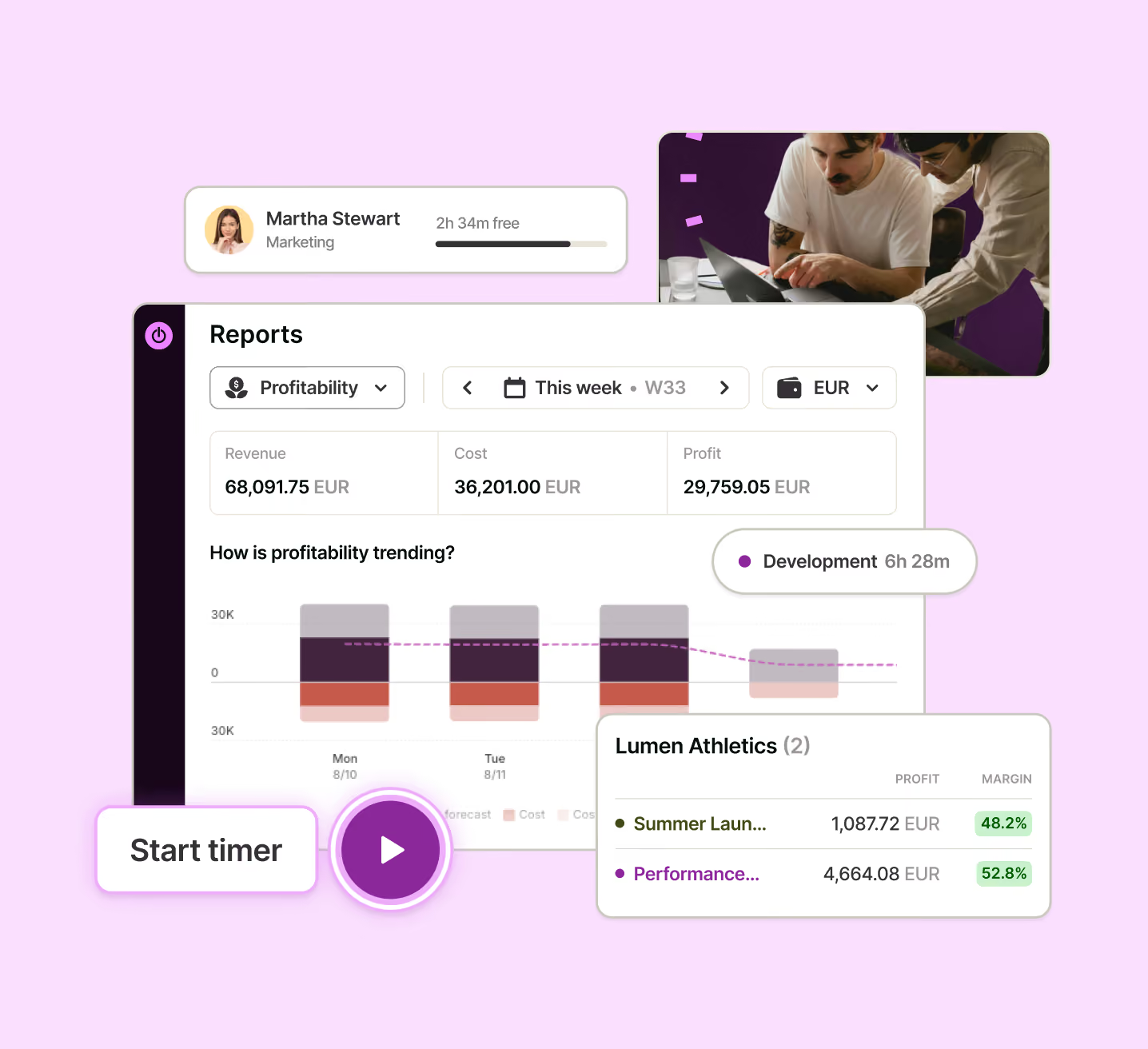







Managing a large team?
Easy, fuss-free onboarding
Instant setup, intuitive one-click time tracking and privacy-first approach to make it a breeze to get the whole team on board.
Multi-platform time tracking that fits into your workflow
Track time from inside other tools, whether Google Suite or Jira, from your desktop, your phone, or the web.
GDPR-compliant and committed to employee privacy
Toggl is compliant with the latest GDPR regulatory developments and takes a hard stance against employee surveillance
No credit card required
Free 30-day trial for all features
Cancel anytime



Capture every billable hour, catch scope creep, and see which clients are profitable
Another revision, an urgent resize, three Slack questions, and one "small" change can quickly erase the project margin.
Yet the studio still can’t see which accounts are overserviced, whether deadlines are realistic, or who can take the next brief.

Track work without interrupting it
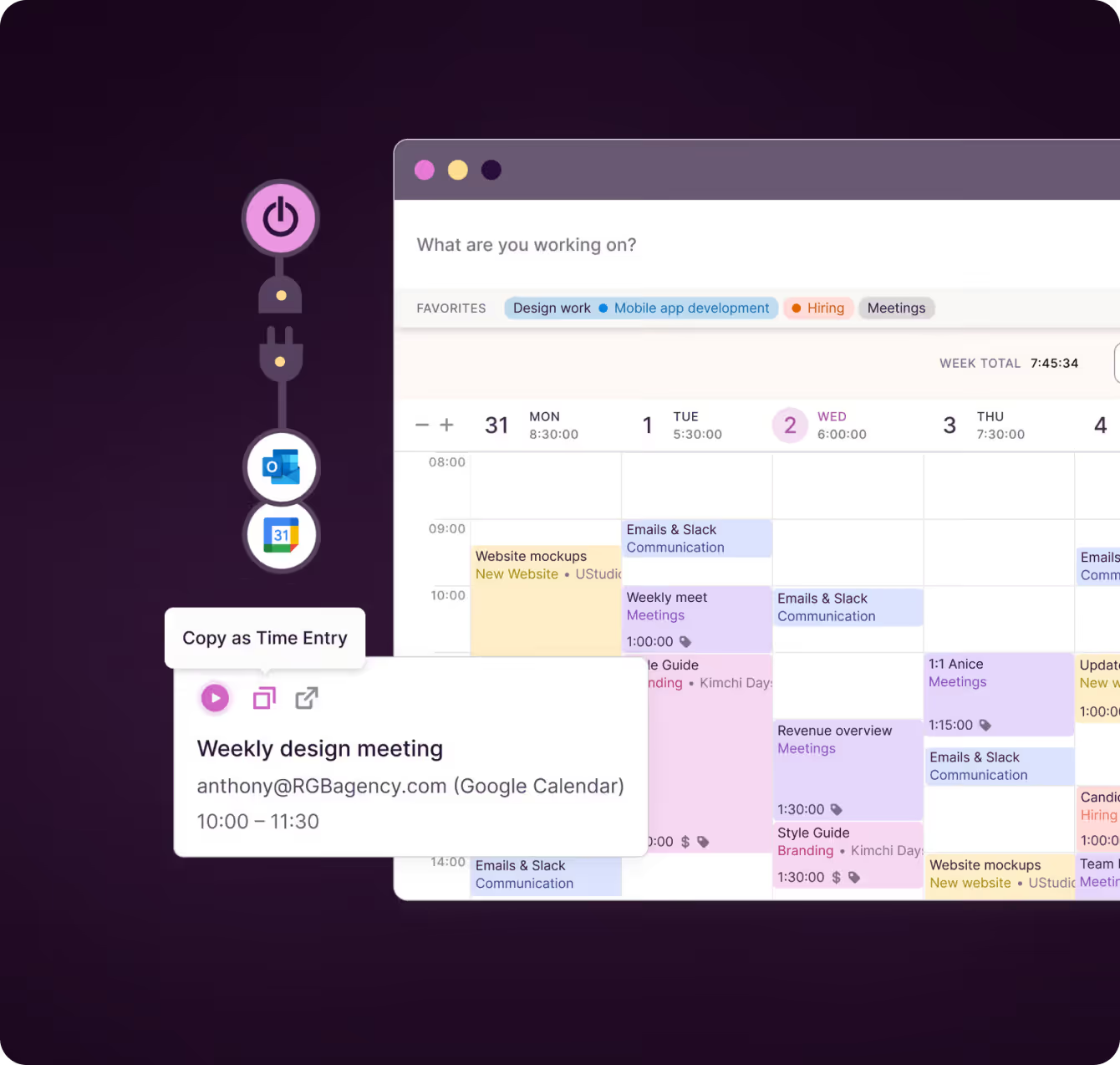
Track any client, project, or task from web, desktop, mobile, or the browser extension – or turn Google and Outlook calendar events into time logs.
Use desktop auto-tracking to create a private activity timeline, giving you accurate records without surveillance or constant timesheet admin.
"My contractors were able to pick it up in a couple of minutes. I’ve used tools in the past where they’d always email me with questions and struggle — with Toggl it just works. It’s not a hassle.”
— Thomas Unsworth, Founder, Launch Web Design
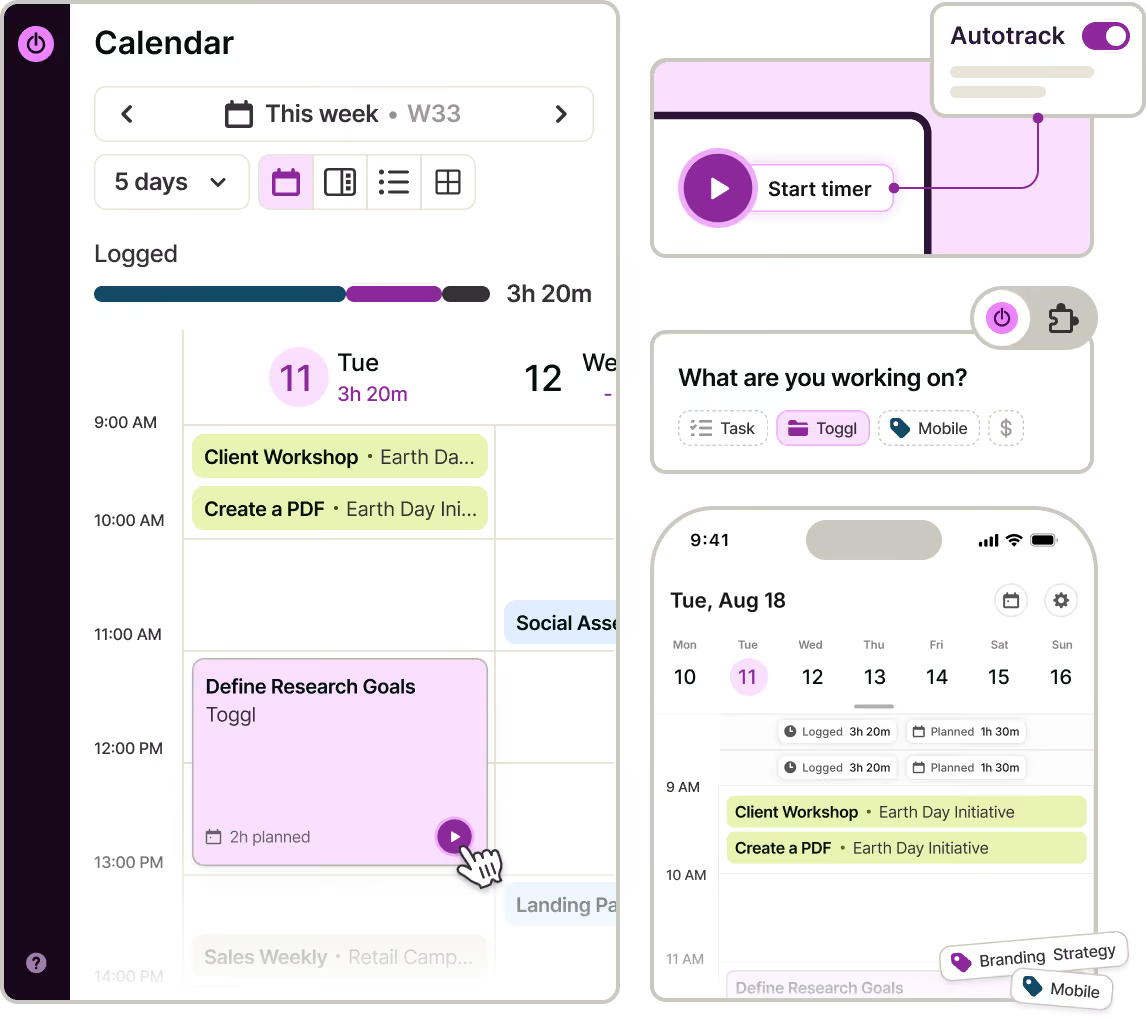

See when revisions, retainers and fixed-fee work stop paying
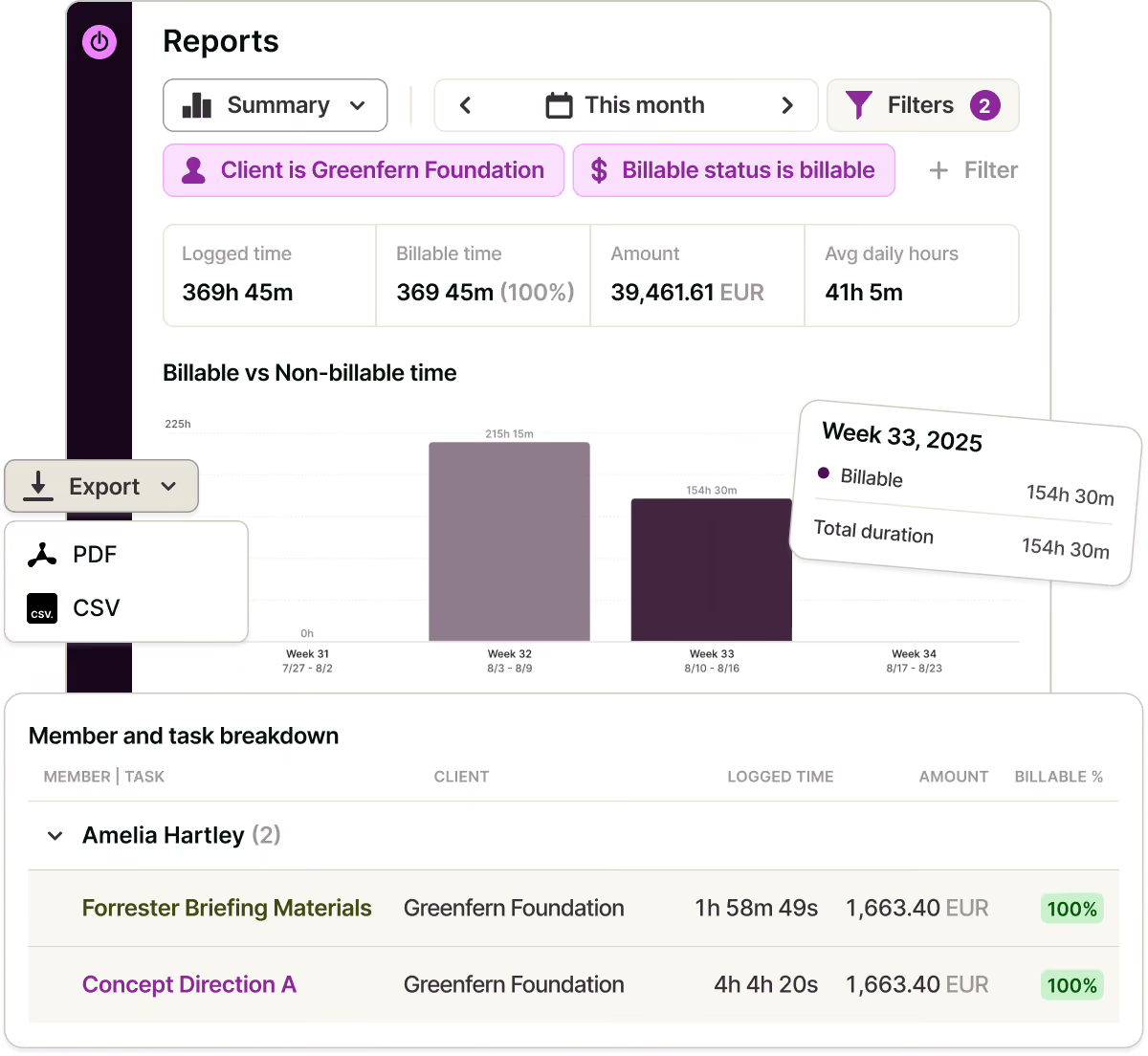
Set billable rates and labor costs to see revenue, cost, and margin by client or project. Compare tracked time with estimates and monitor budget use in project dashboards.
Time-estimate and fixed-fee alerts flag overruns early, leaving time to adjust scope, reassign work, or raise a change order.
"We never over-scope because we own the scope and fulfill it.”
— Marek Šolc, CFO, Lighting Beetle
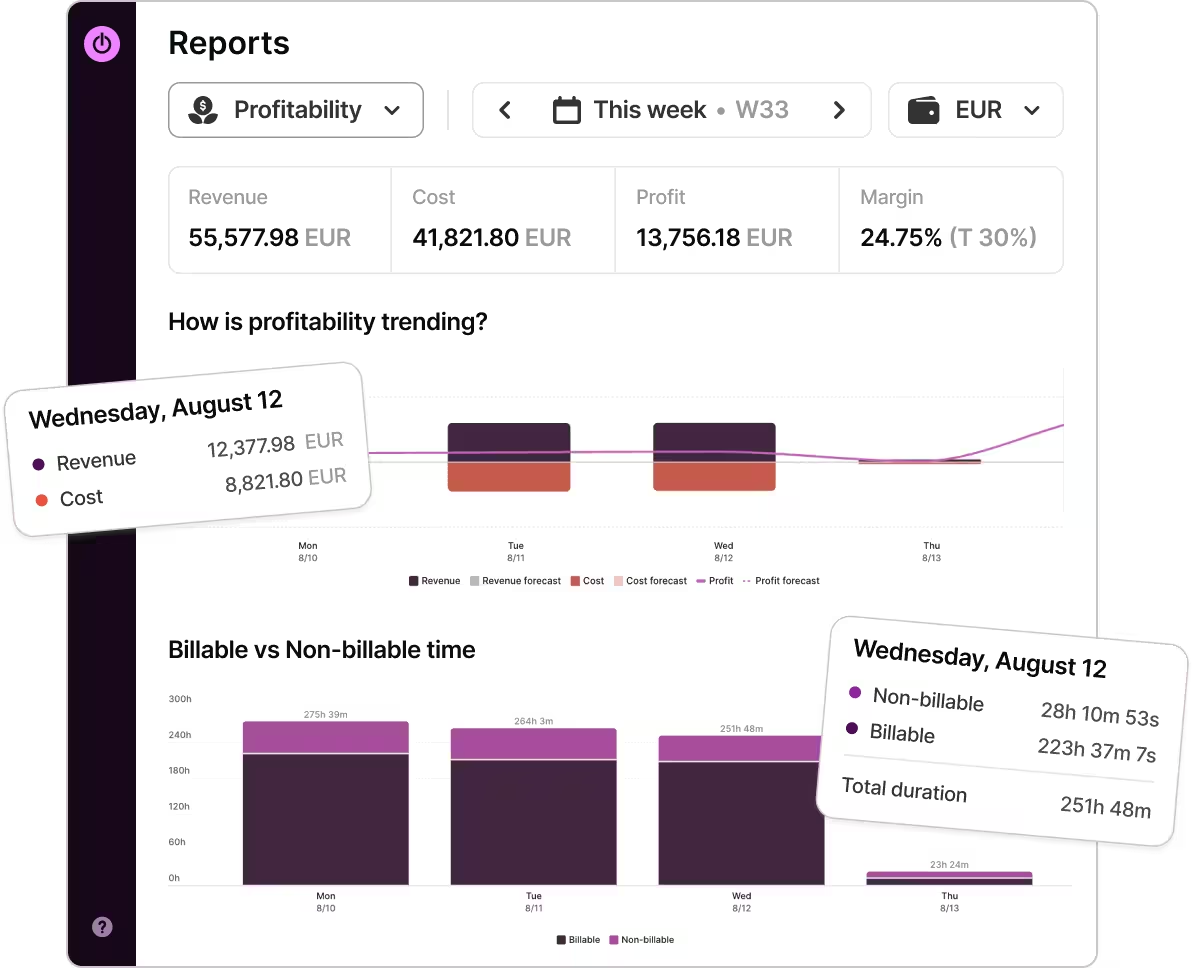

Give clients visibility and build trust
Each time entry includes a description, task, and client. Filter reports by client, period, or project, and round time to your billing increment.
Share reports or invite clients as Guests to view their projects. Timesheet approvals ensure nothing is billed without review.
"Time tracking brought transparency and trust into the relationship with our clients.”
— Dominika Babulicová, Marketing Manager, Lighting Beetle

Plan the next project against real capacity
This comes naturally when planned tasks and tracked hours live together.
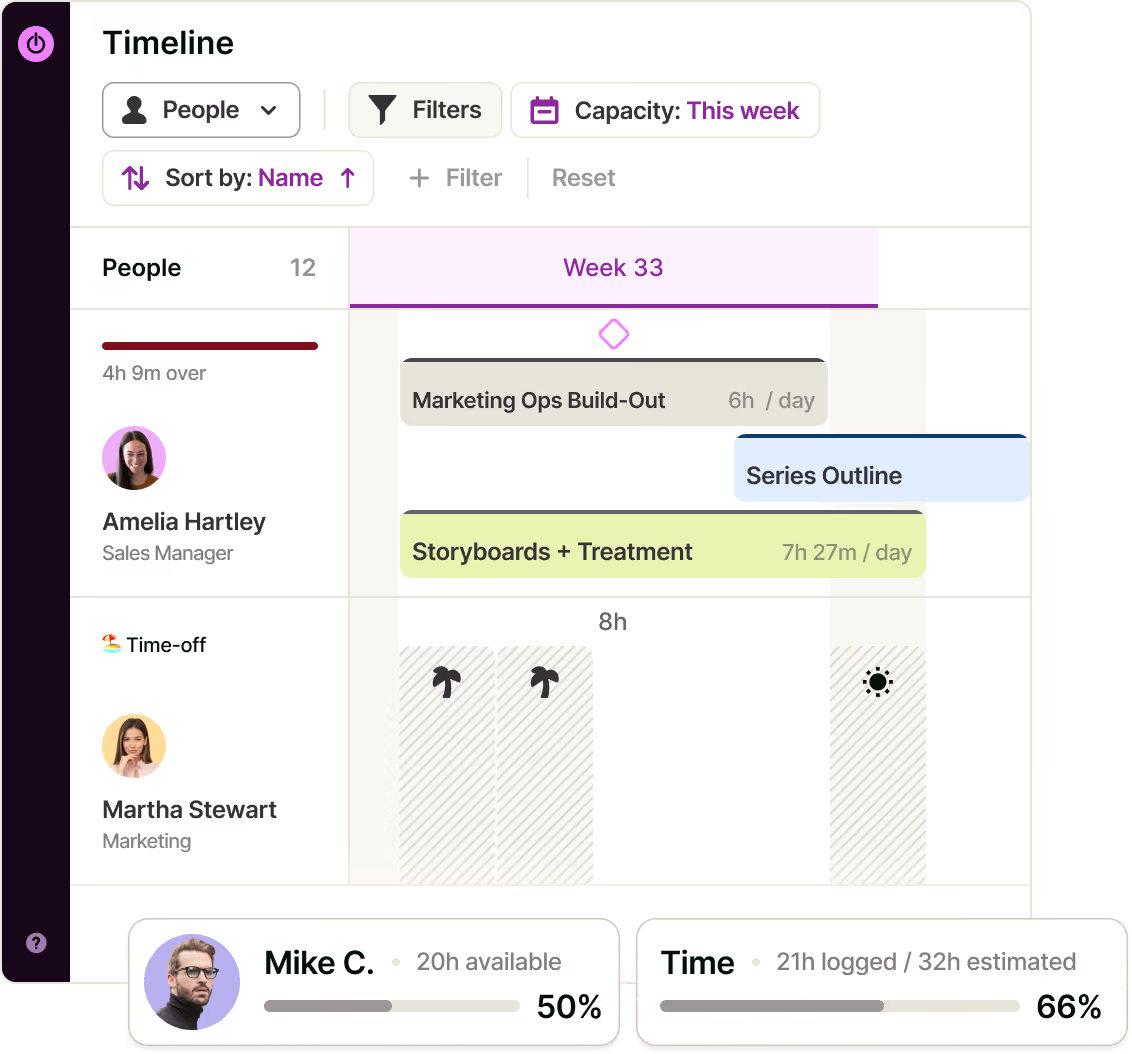
Group the Timeline by People to see team capacity based on working hours, time off, holidays, task estimates, and calendar commitments.
Use past estimates versus actuals to scope new briefs. Reuse project templates, add milestones, and switch between Board, Task list, Calendar, and Timeline – same work, different view.

Plan and run campaigns, not just timers
Break down briefs into tasks with owners, estimates and due dates, set statuses that match how work moves from concept through revisions to delivery, and pin the client-facing dates as milestones.
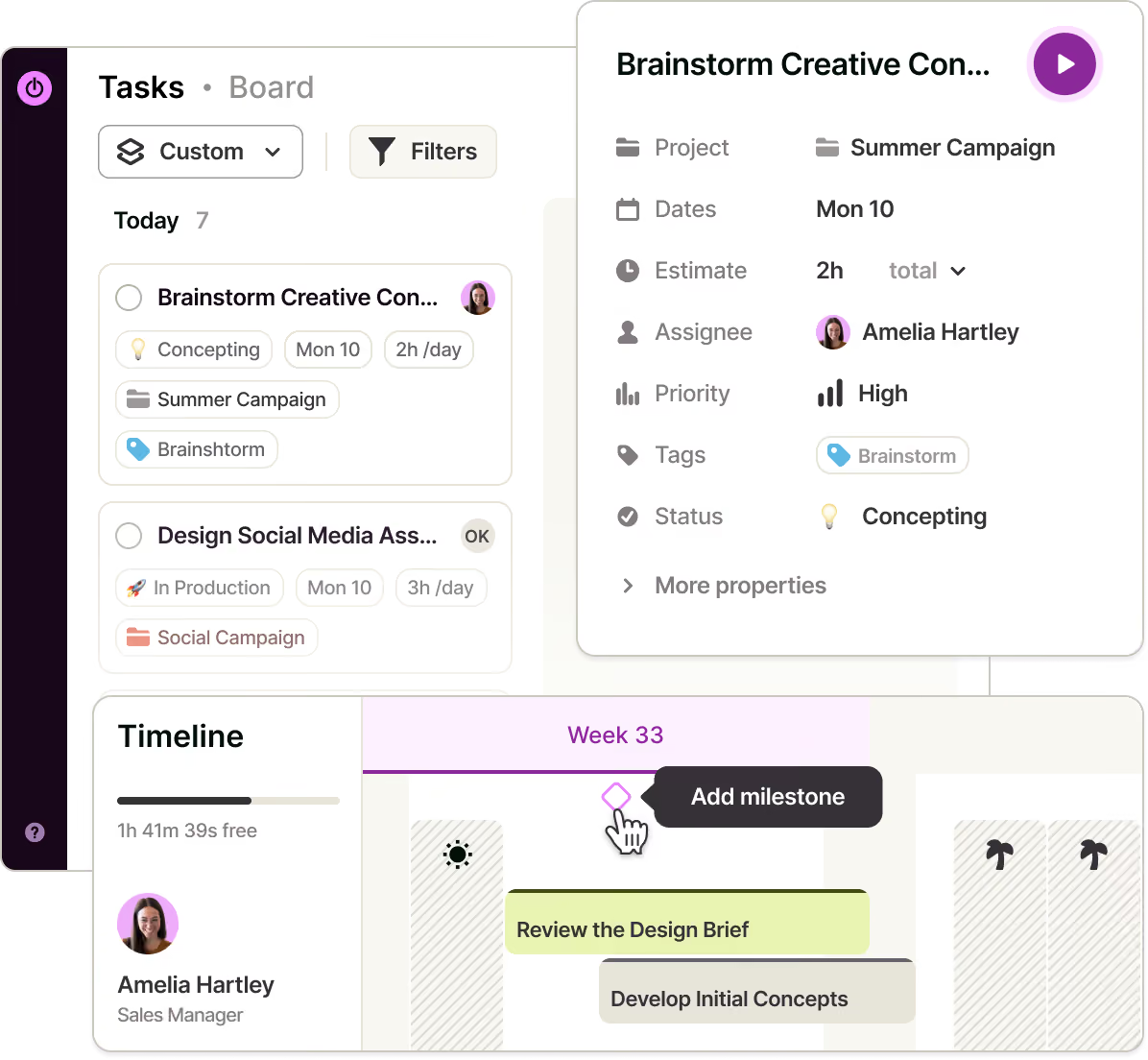

Start a timer from a task or track from the browser extension, web, desktop, or mobile app. Use private desktop activity tracking and calendar integrations to capture work that might otherwise go unrecorded.
Track billable value and delivery cost against the agreed fee or hourly rate. See when an account is consuming more senior time, revisions or production effort than it can support.
Set rates by workspace, person, project or project member, so an art director, junior designer, strategist and freelancer can carry the right value on the same client account.
Compare estimates with tracked time, monitor forecasts from the project dashboard, and notify the right person when a time estimate or fixed-fee threshold is reached.
Filter and round reports, export them as PDFs, and approve weekly timesheets before billing. Give clients project-only Guest access when they need ongoing visibility.
Compare the planned and actual hours behind discovery, concepts, revisions, production and account management. Use the evidence to quote the next similar brief.
Use the Timeline to see forward-looking availability and the Utilization report to see how much available time became billable work. Spot overbooking, idle capacity and burnout risk without a resourcing spreadsheet.
Turn a successful delivery structure into a project template or recurring project. Keep tasks, milestones, assignments, rates and fixed-fee setup consistent across periods.
Turn Google Calendar or Outlook events into time logs, sync projects and tasks from Asana, connect Jira where development is part of delivery, and track from supported web tools through the browser extension.
One source of truth for every creative team
FAQs


