Project Dashboards and Templates
We’re introducing two big additions to the Toggl Focus project management capabilities — Project Dashboard and Templates.
Project Dashboard
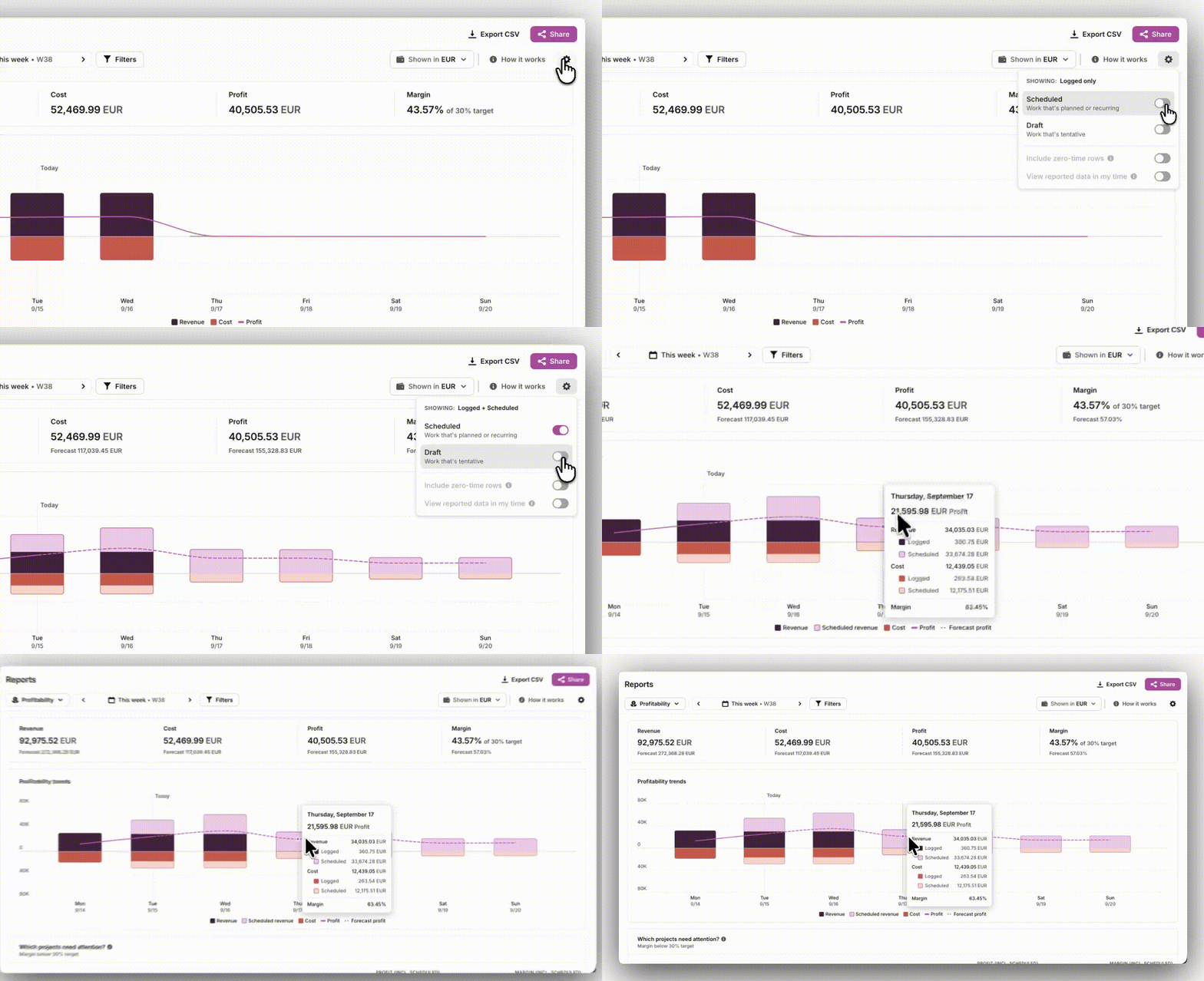
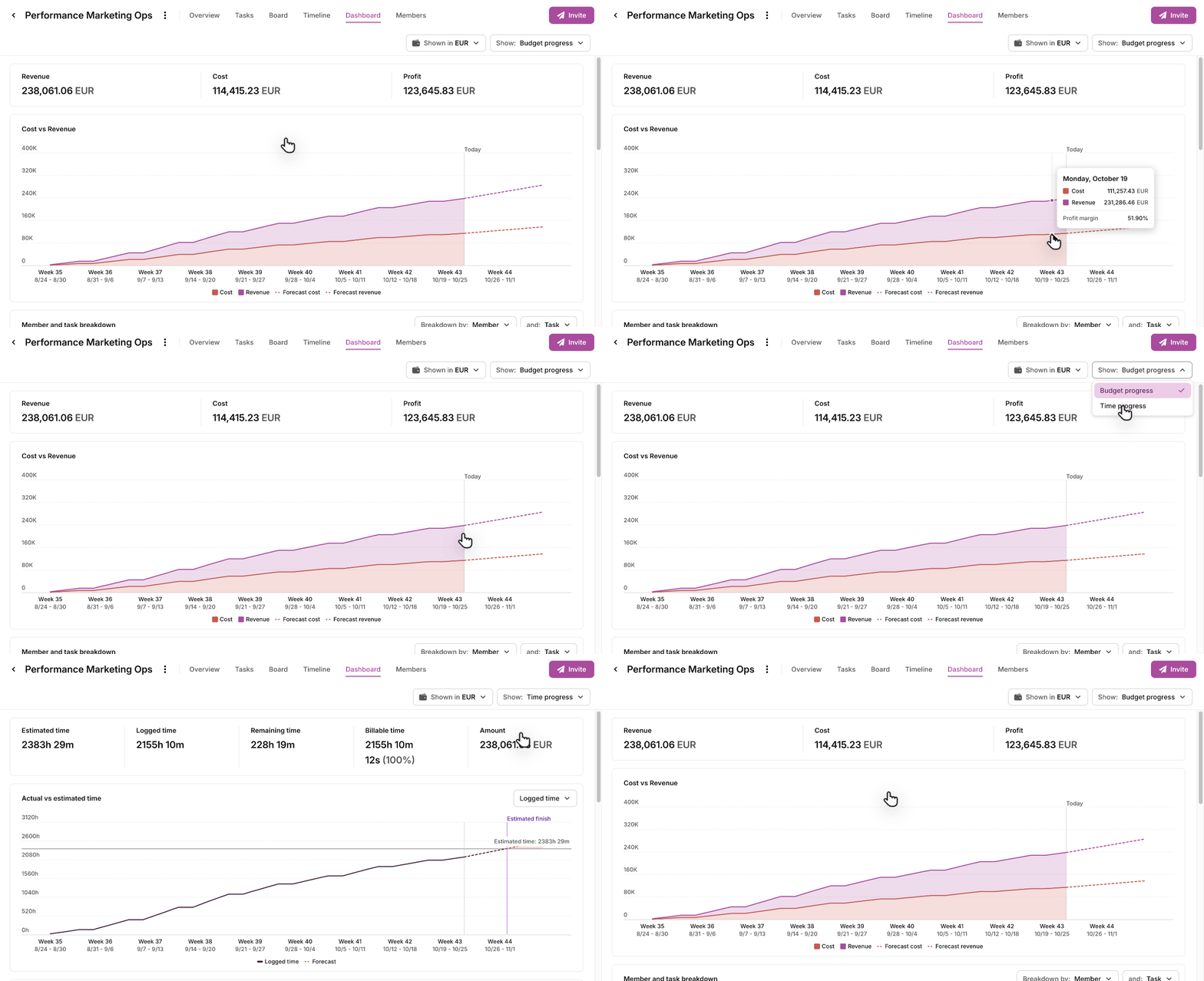
Answer "are we on track against budget?" without leaving Toggl. Every project has a dashboard that opens on revenue (or fixed fee), cost and profit, with a forecast of where they're heading. Switch to Time progress to compare logged time with the estimate and see when the project is likely to finish.
Break it down by task, member or status to see where the time and money went. including time tracked vs. estimated, billable vs. non-billable hours, billable amounts, and a forecasted end date that updates as more time gets logged. You can drop into the breakdown table for variance by task, team member, or other grouping options.
📖 Read how project dashboards work
Templates
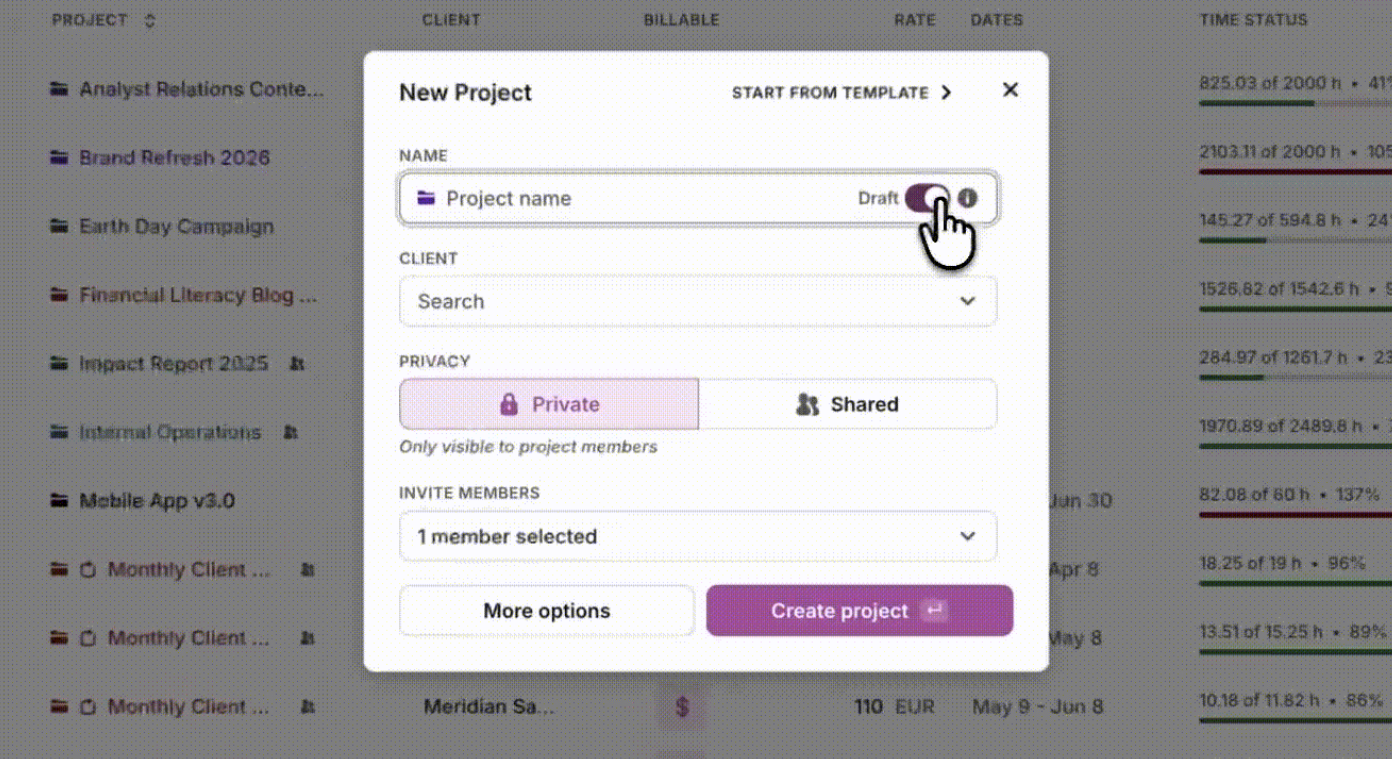
Templates let you save any project as a template and apply it to new work. Save any project as a template and start new work from it. Tasks, subtasks, members, descriptions, estimates and privacy settings carry over.